Chapter Four Configuration
man_905-105_2.16 Page 49
Analog Sensitivity Configuration
The analog sensitivity is the change required in an analog input before a “Change Of State” is detected,
and the new analog value is
transmitted. For input signals which
vary widely over a short period of
time or have a normal oscillation,
the analog sensitivity should be set
to an appropriately large value. This
ensures that many change messages
are not transmitted in too short a
time. This will result in channel
congestion, as described in the
preceding section.
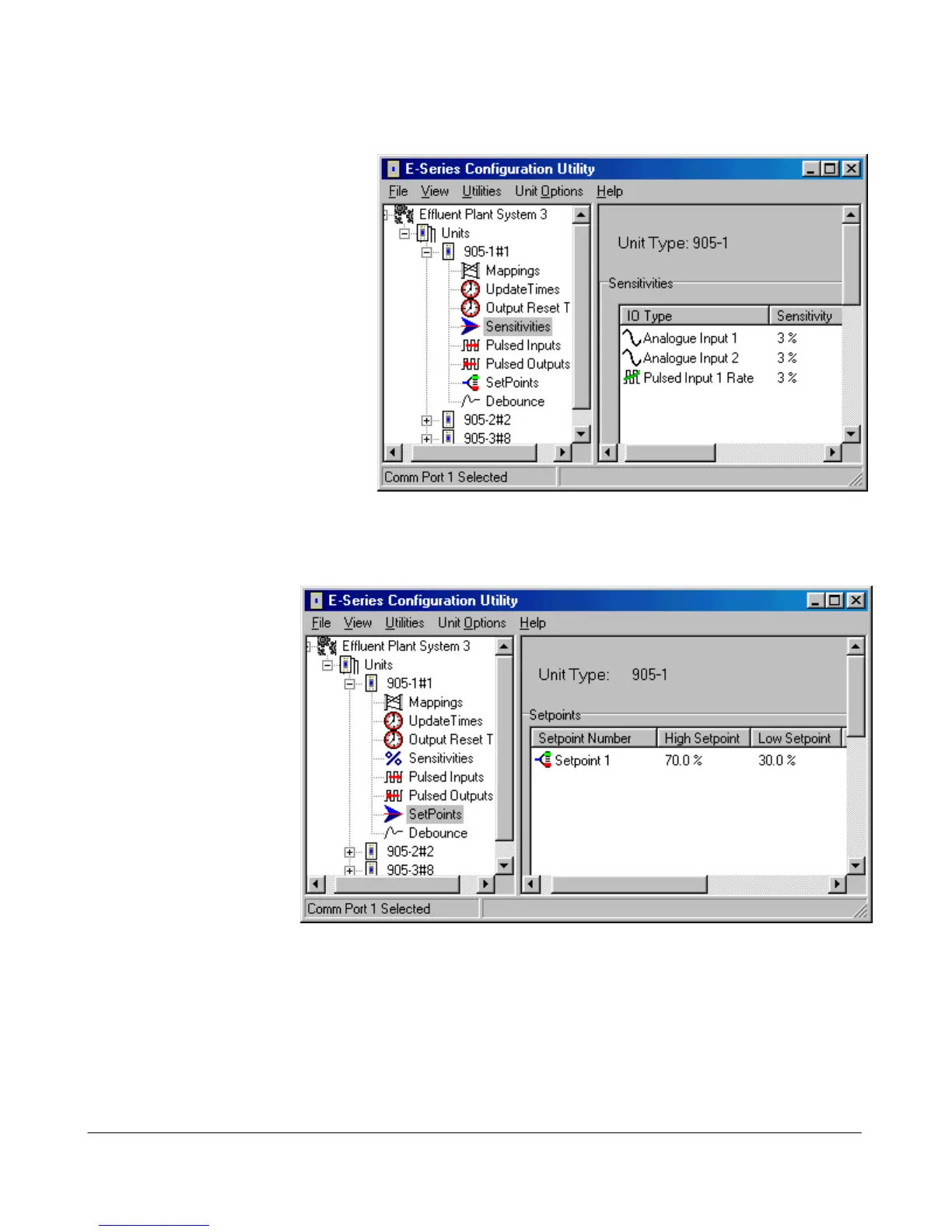
To change an analog sensitivity,
select “Sensitivities” on the left-
hand menu and double-click the
selected input. The sensitivity for
physical inputs is shown in mA and
internal input is shown as %.
SetPoint Configuration
Setpoints allow a remote
digital output to be turned
on and off depending on
the value of an analog
input. The “set-point
status” internal input must
be mapped to an output
for this option to have
effect. When the AI is
less than the Low Set-
point (LSP), the set-point
status will be active (on,
“1”) - when the AI is
more than the High Set
Point (HSP), the set-point
status will be reset (off,
“0”). Note that the High
Set Point (HSP) must always be higher than the Low Set Point (LSP). For the -1 module, only AI1 has
set-point values. For -2 modules, the first four analog inputs (AI 1 – 4) have set-points.
Debounce time operates on the set-point status in the same way as digital inputs.
To change a setpoint values, select “SetPoints” on the left-hand menu and double-click the selected
Setpoint Status.
Pulse Input Count Configuration



 To Next Page