11
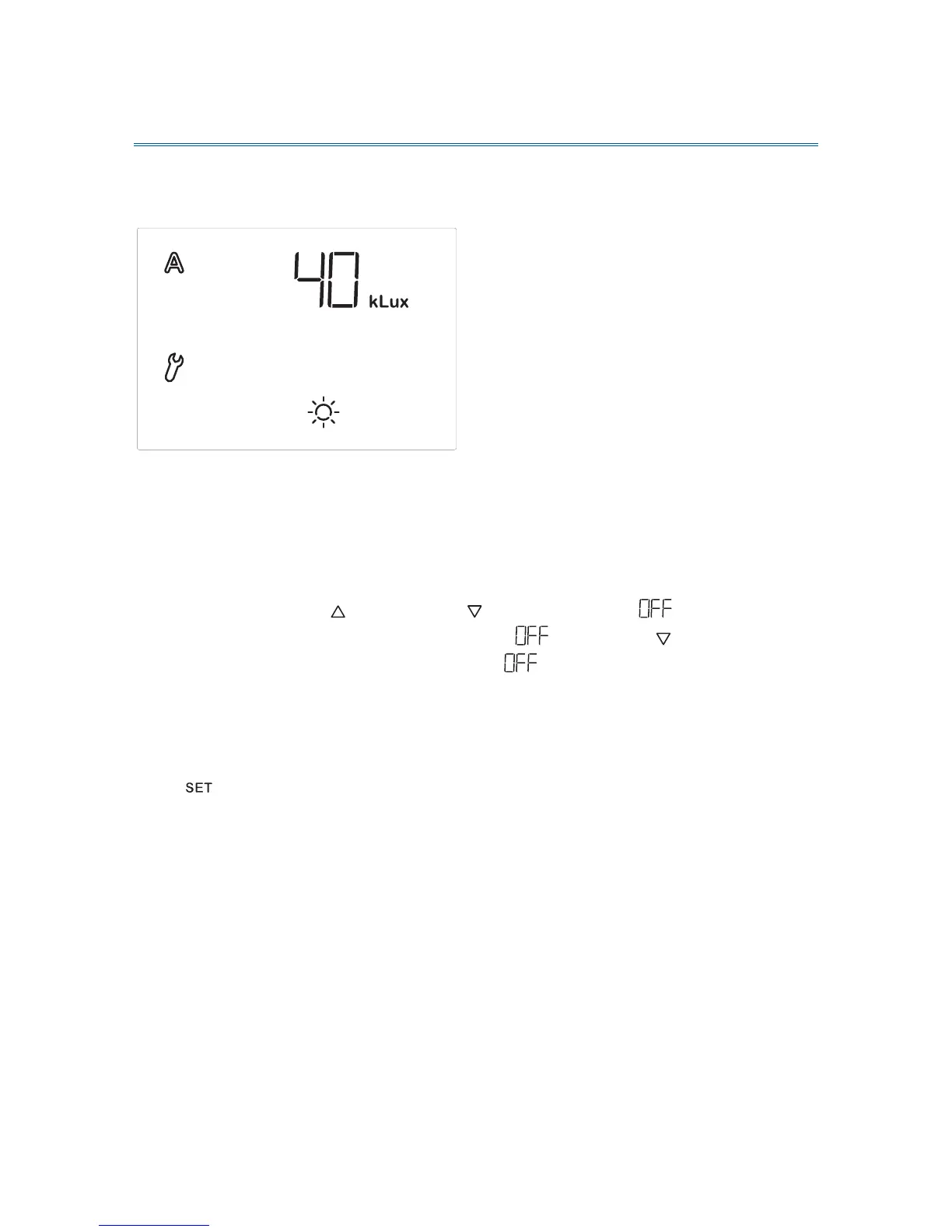
A. Lightness for the shading
In the automatic settings, you must indicate at first the lightness from which
shading shall start.
Sun intensity is displayed in kilolux (kLux). The value of 1 kLux is already reached
in case of a cloudy sky, 20 kLux indicates that the sun has just come out and 100
kLux are achieved with blue sky at noon.
The presetting for lightness is 40 kLux.
Adjust the value with (higher) and (lower) or select (off) in order to
switch off the function. You reach the setting by pressing once more when
the display shows “1 kLux”. If you select , there is no control in terms of
lightness. Therefore, the following automatic parameters (chapter B to E) are
skipped. In this case, the shading may be operated manually and is protected
from wind and rain (if the protection function has been activated, see chapter “F.
Wind alarm” and “G. Rain alarm”).
Press in order to get to the setting of the next parameter.


 To Next Page