7
Manual operation
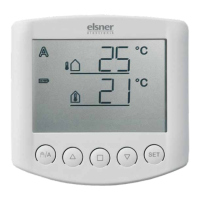
Manual control as well as the presetting of the automatic functions and the basic
setting of the connected shading is accomplished with the keys of the operating
unit.
Move shading manually
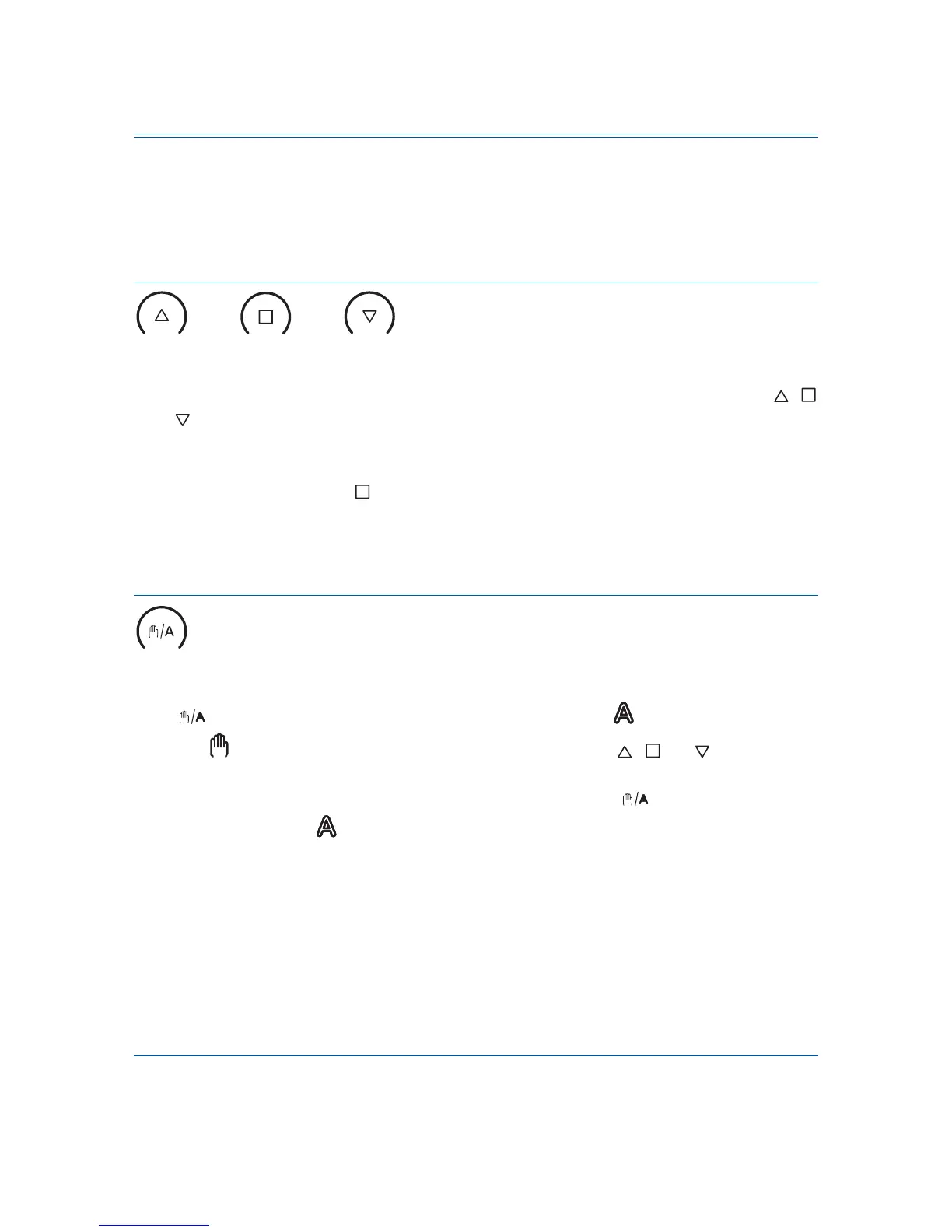
Up Stop Down
The connected awning or blind may be manually operated with the keys ,
and . The arrow keys are provided with a time automatic. By short pressing
(less than 1 second), the awning or blind may be exactly positioned. If the key is
pressed more than 1 second, the drive mechanism moves automatically to the
final position. If you press , the drive mechanism stops.
In case of rain or wind alarm, the manual operation is blocked.
Switch between manual and automatic
Manual/automatic
Key switches between automatic mode (display ) and manual mode
(display ). After the manual operation with the keys , or , the control
system is in manual mode. The automatic functions then are deactivated, there is
no control in terms of lightness or temperature. With key , the control is reset
to automatic (display ).
After switching from manual to automatic mode, the drive remains in the position
set manually. If the conditions for automatic shading are not met, the control
retracts the hangings at the end of the retraction delay. If the conditions for
shading are met, the control at first retracts the hangings at the end of the
extension delay (4-minute reference movement). After that the shading position is
initiated.
Central control
If the sending of meteorological data and automatic commands has been
activated (see chapter 5 of the basic settings), you additionally obtain the
following display after the manual mode:


 To Next Page