8
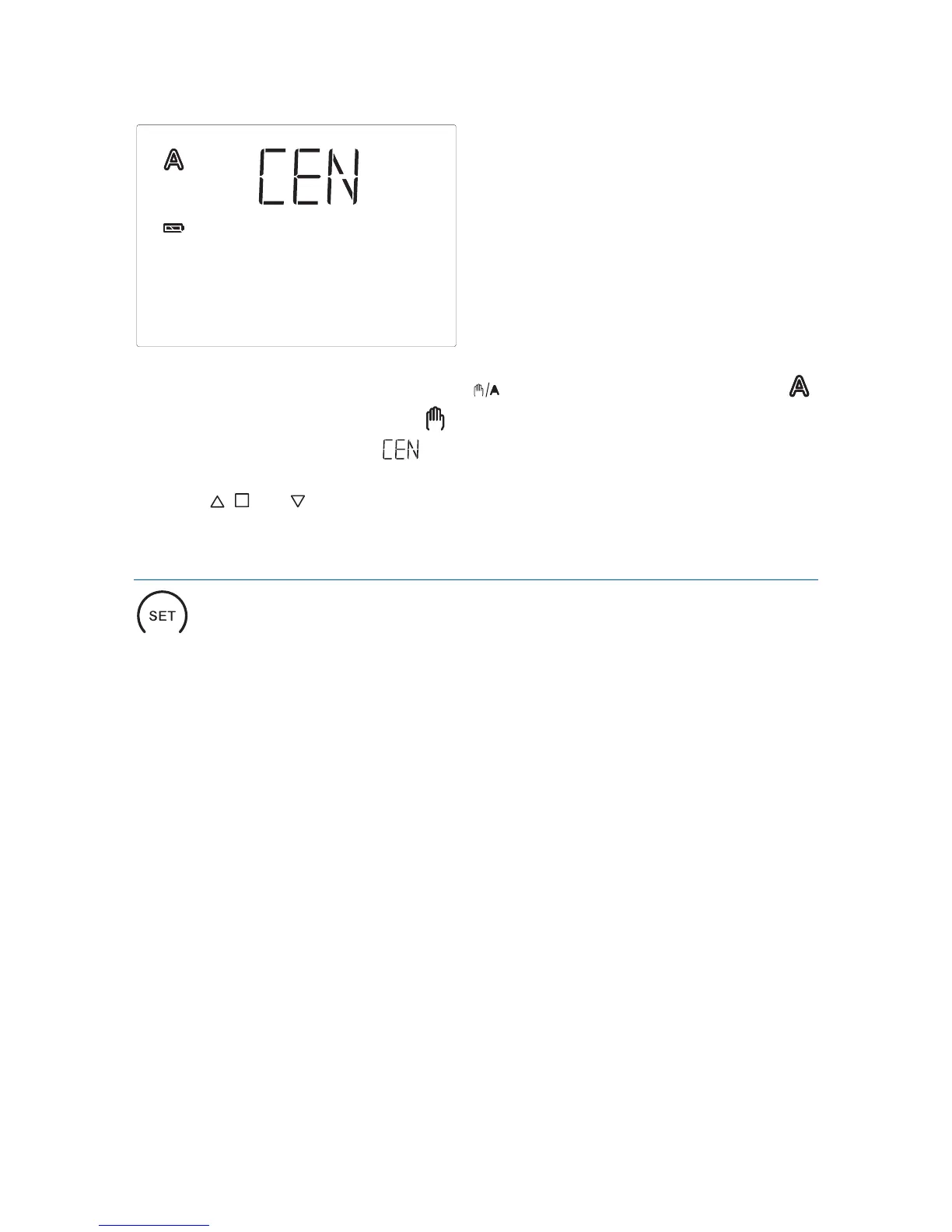
In order to get to the display, press key twice shortly in automatic mode ( )
and once shortly in manual mode ( ).
As long as the display shows , manual operating commands of this operating
unit are submitted to all drive mechanisms in system XS. During this display, use
the keys , and in order to centrally operate all drive mechanisms.
Settings (default setting, automatic)
With the SET key and by pressing shortly, you access the display of lightness and
wind speed.
By pressing long, you access the setting menu of the automatic and the basic
setting. For this purpose, please read chapters “Setting of automatic” or „Basic
settings“.


 To Next Page