22
3. Operating direction
After the setting of the rotational direction of the motor, now select whether the
shading extends from top to bottom or from bottom to top.
Depending on the model, shadings may extend from top to bottom or from
bottom to top. In this step, you change the allocation of the arrow keys so that
they correspond with the operating direction of the shading. You may directly test
the setting with the arrow keys.
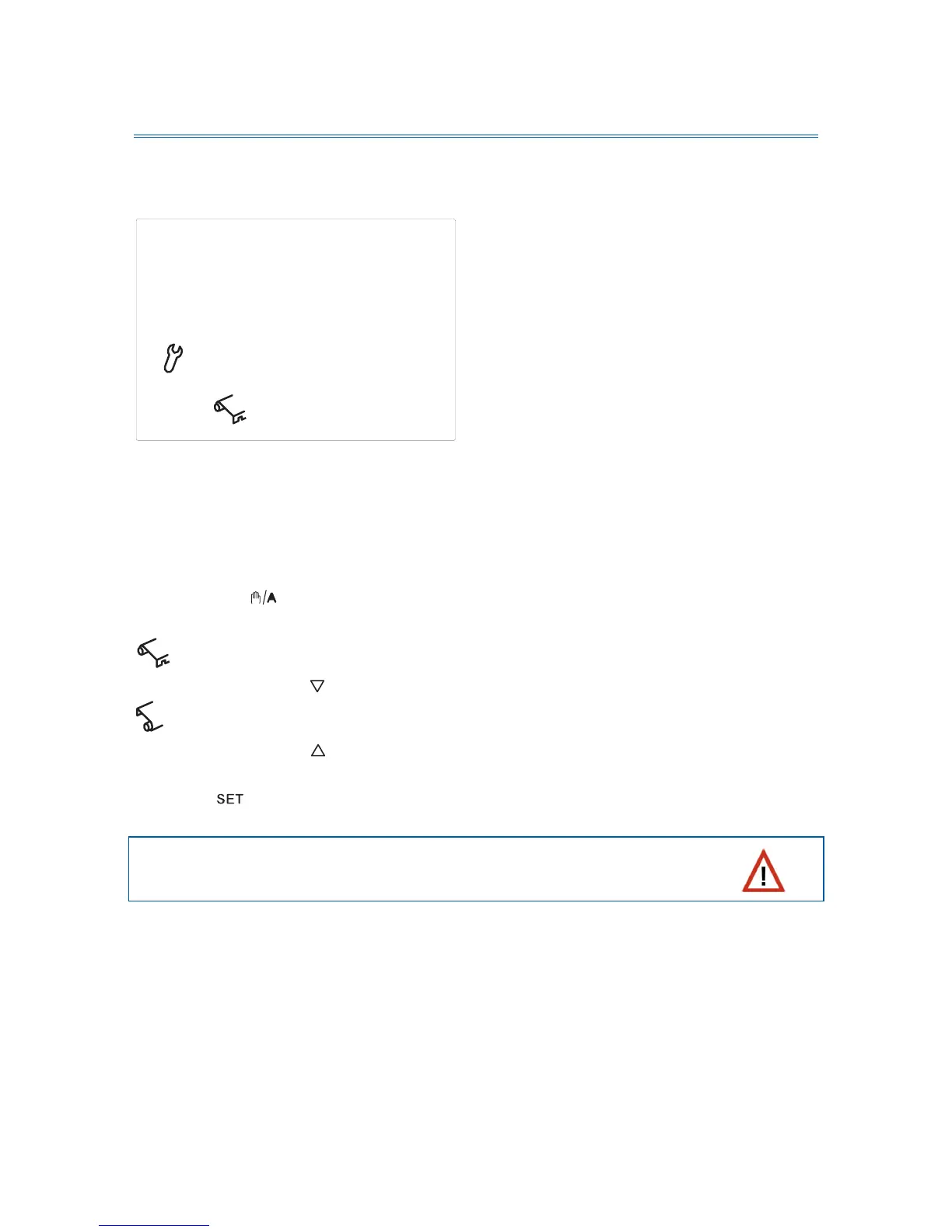
Press the key
in order to switch between the displayed symbols. Select
if the awning or blind extends from top down
(the key extends the shading) or
if the awning or blind extends bottom-up.
(the key extends the shading).
Press the key in order to access the next setting step.
Rain and wind alarm are deactivated for this test. Please
observe not to damage the shading by moisture or wind.


 To Next Page