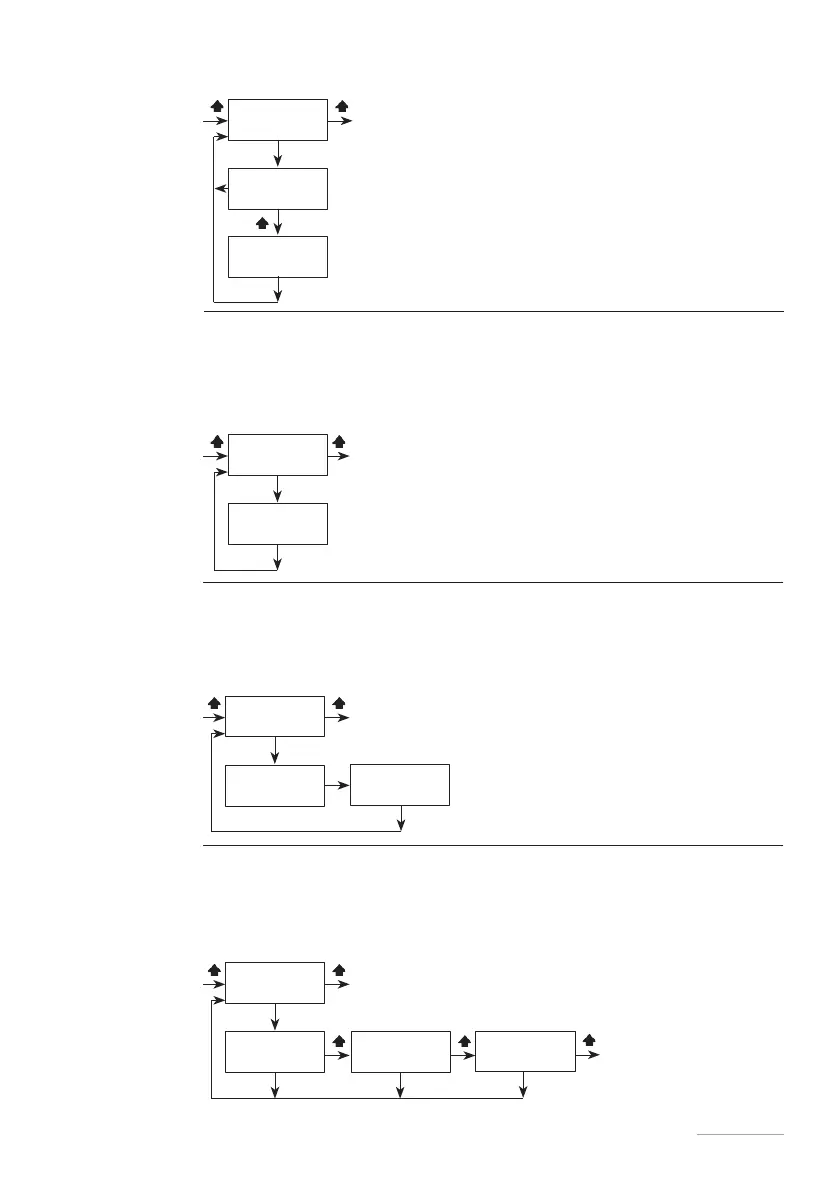
UNIT Set the unit of measurement in litres (LITRE) or gallons (USGAL).
Fig. 32. Unit menu.
DELAY This menu lets you set a waiting time when powering up the pump.
You can set a time from 0 to 10 minutes.
It is however possible to interrupt this delay by pressing any key to cancel the
remaining time.
Fig. 33. Delay menu.
PASSWORD The password protects the pump's programming menus.
The default password is 0000. It is advisable to change it.
If the password is lost, it is necessary to reset the password by means of the
⎘RESET PASSWORD Procedure described below.
Fig. 34. Password menu.
The USER password type
allows only the working
mode set to be changed.
OVERFLOW This menu lets you set the overflow. ALARM enables the alarm output (contact
1A 24 VAC) in the event of an overflow. DELAY enables the recovery at the end
of dosing of pulses received in excess of the target frequency. STOP disables the
overflow.
Fig. 35. Overflow menu.



 To Next Page