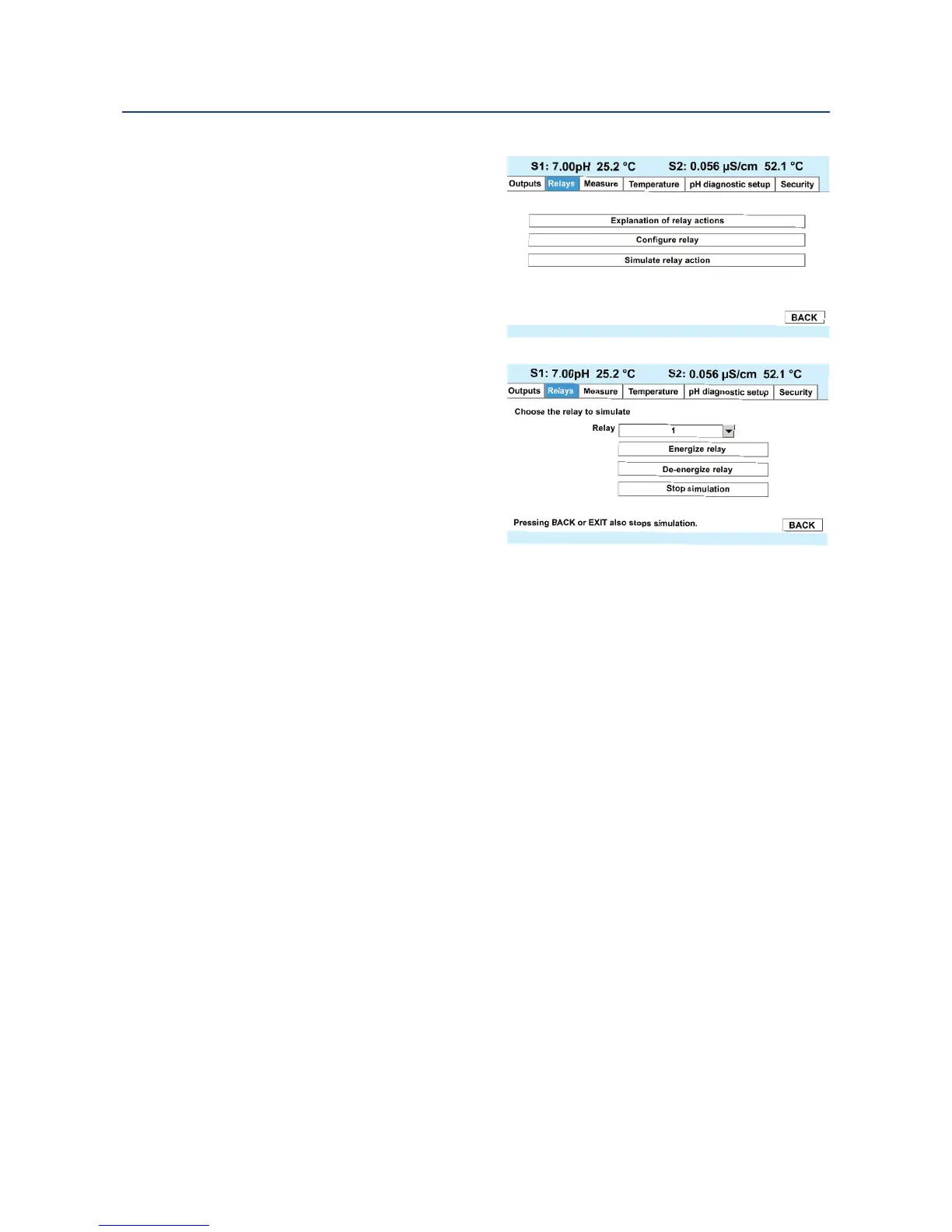
This section provides details to simulate
relay action. To simulate relays, access
t
he Program screen by pressing
ENTER/MENU from the main screen and
then select the Relay tab.
To simulate alarm relay conditions,
access the Simulate Relay Action screen
by pressing ENTER/MENU from the main
Relay programming screen.
Alarm relays can be manually set for the
purposes of checking devices such as
valves or pumps. Under the Alarms
Settings menu, this screen will appear to
allow manual forced activation of the
alarm relays. Select the desired alarm
condition to simulate.
42 Programming Basics
Section 5: Programming Basics Instruction Manual
April 2017 LIQ-MAN-56













 To Next Page