Instruction Manual Section 6: Programming Measurements
LIQ-MAN-56 April 2017
Programming Measurements 53
1. To override the default the
Measurement type (Flow)
s
elect mA current input and press
ENTER/MENU.
2. To program the mA Input type,
Select Temperature, Pressure, Flow
or other and press ENTER/MENU.
3. To program measurement units,
Select measurement units based on
selected input device type and press
ENTER/MENU.
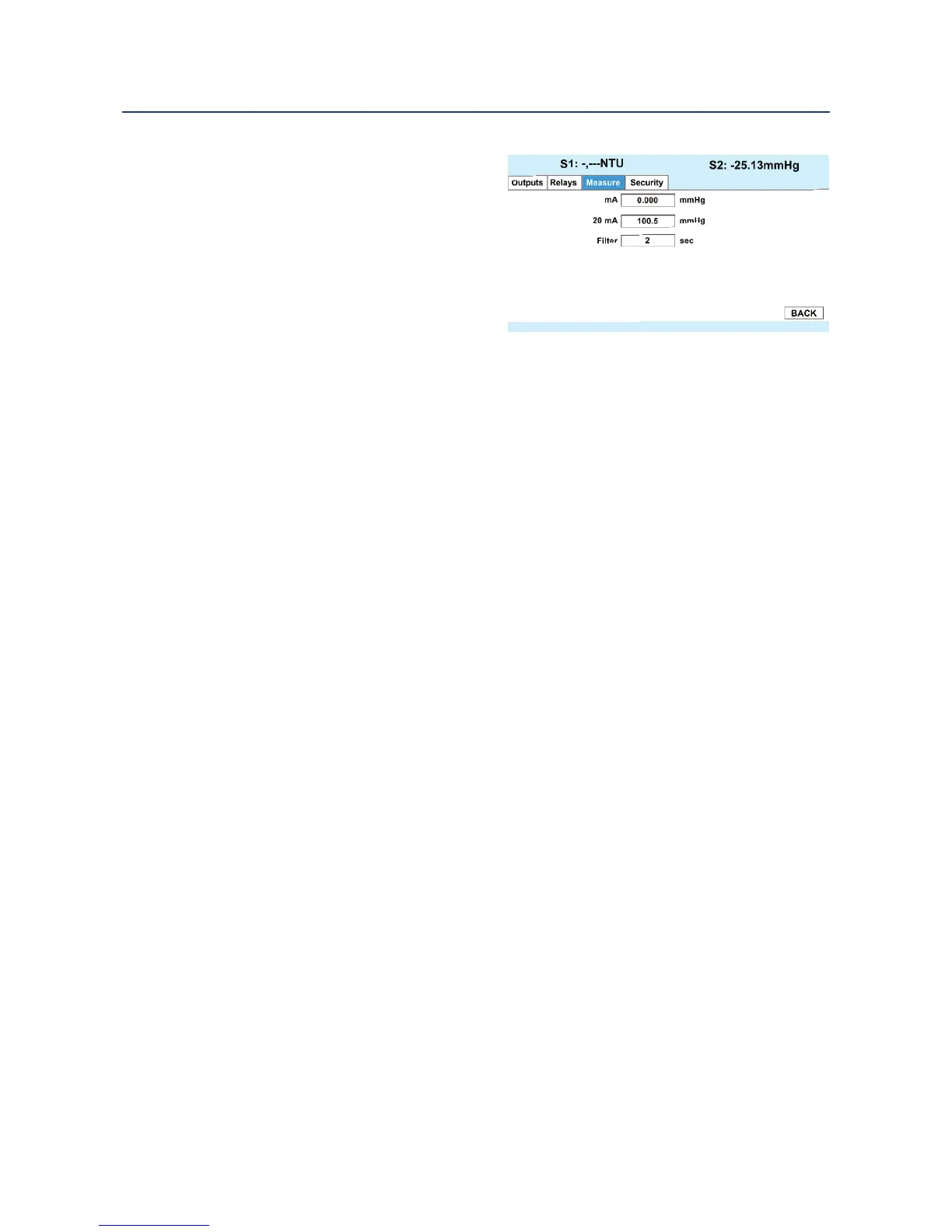
4. To program the Input Range: Select 4-20 mA or 0-20 mA and press ENTER/MENU.
5. To program the Low input Value, enter the low measurement value to assign to 4mA
and press ENTER/MENU.
6. To program the High input Value, enter the high measurement value to assign to 20mA
and press ENTER/MENU.
7. To override the default input filter, enter 0-999 seconds and press ENTER/MENU.
0/4













 To Next Page