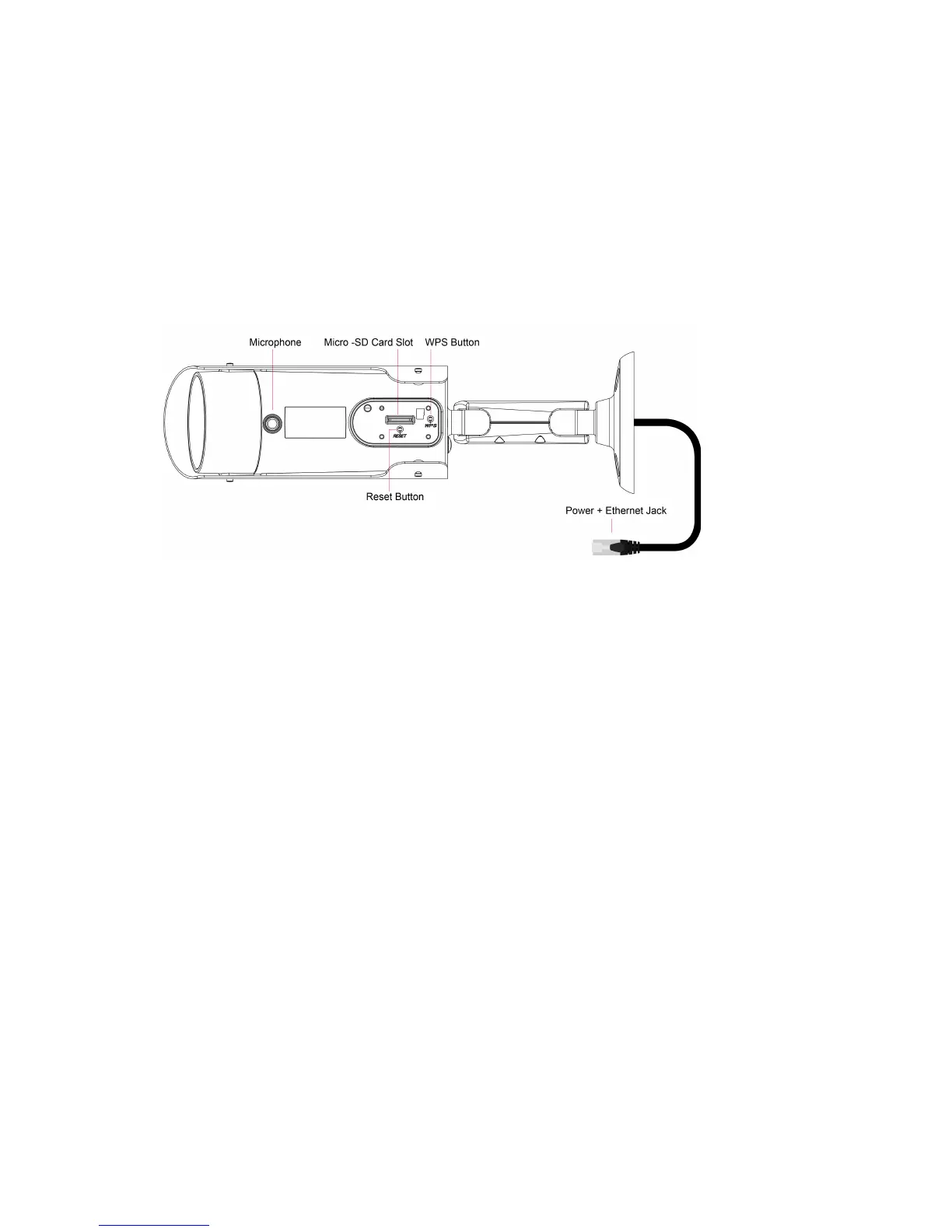
You need to use a small stick like pencil or tooth stick to press the reset button for
more than 3 seconds to enable the reset function. Usually when you forgot the
administrator account, you will probably need to do this reset action to reset to the
default factory settings. Please refer to section 5.6.6 for more details.
5. Power and Ethernet jack – use the accompanied splitter cable to connect to power
adapter and Ethernet network. You could also extend the cable by using the
accompanied RJ45 coupler. The power needed for this IP CAM is 20V/0.6A,
please make sure you are using the correct power adaptor. When the Ethernet
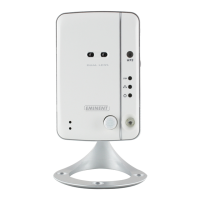
link is ok, the Ethernet indication LED on the front side will be blue.
2.0 Installing the camera
A few short and simple steps are necessary to connect and assign the camera, and to
enjoy the use of the camera. Use the following steps to connect the camera.



 To Next Page