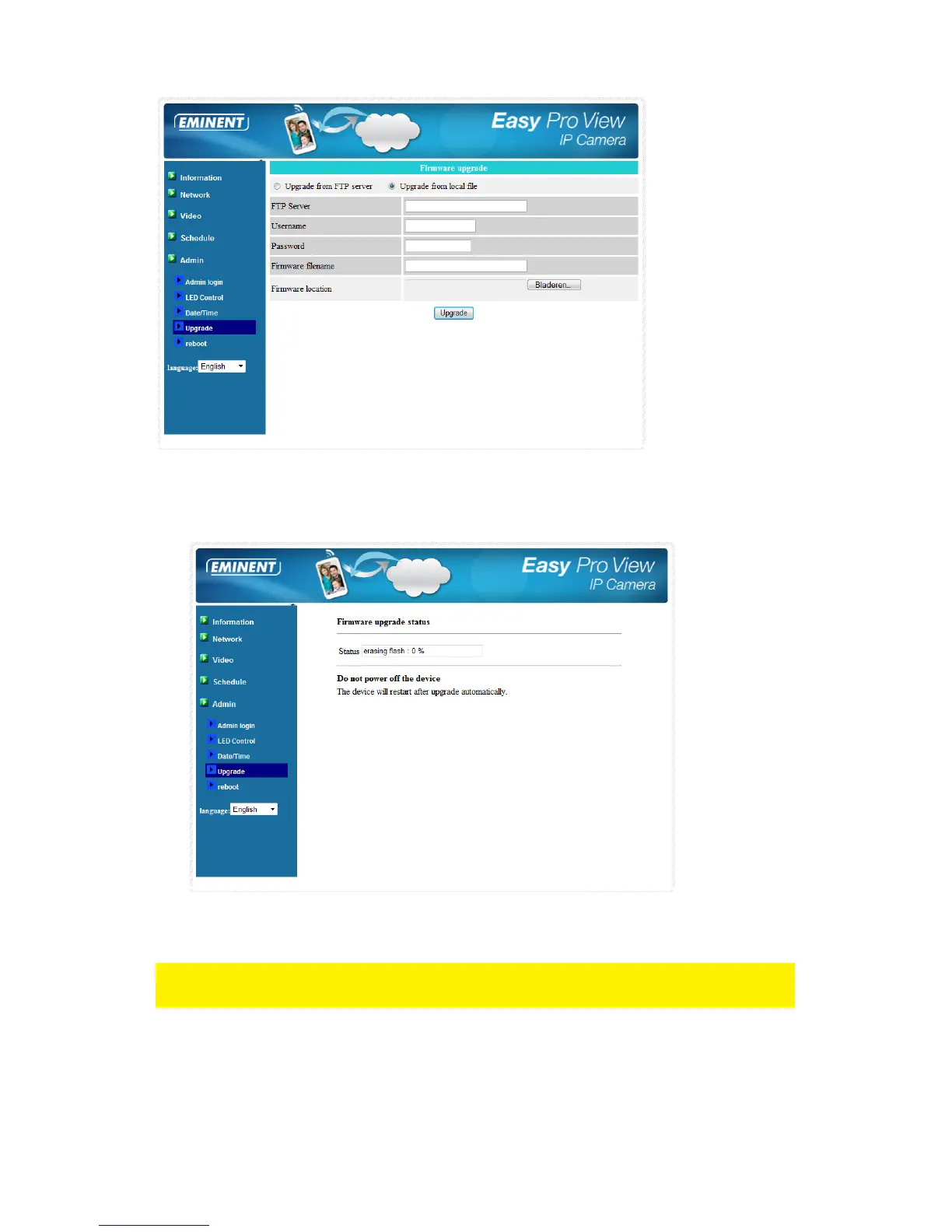
8. Select the option “Upgrade from local file”.
9. Select the option “Browse” and browse to the file location of the downloaded
firmware.
10. Click “Upgrade”.
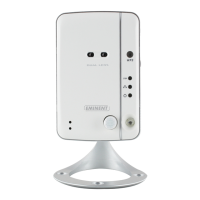
11. After successfully upgrading the Easy Pro View IP camera it will reboot
automatically.
Please note: do not power off the camera during the upgrade procedure. The firmware
upgrade process can take up to 10 minutes.
5.6.5 Reboot
You can restart the EM6260 manually on this page. All the connected video viewing
users will be disconnected.



 To Next Page