2.1 Connecting the camera to your network using a
network cable
We advise to connect the camera first with a network cable. Once the camera works
correctly, you can use your wireless network.
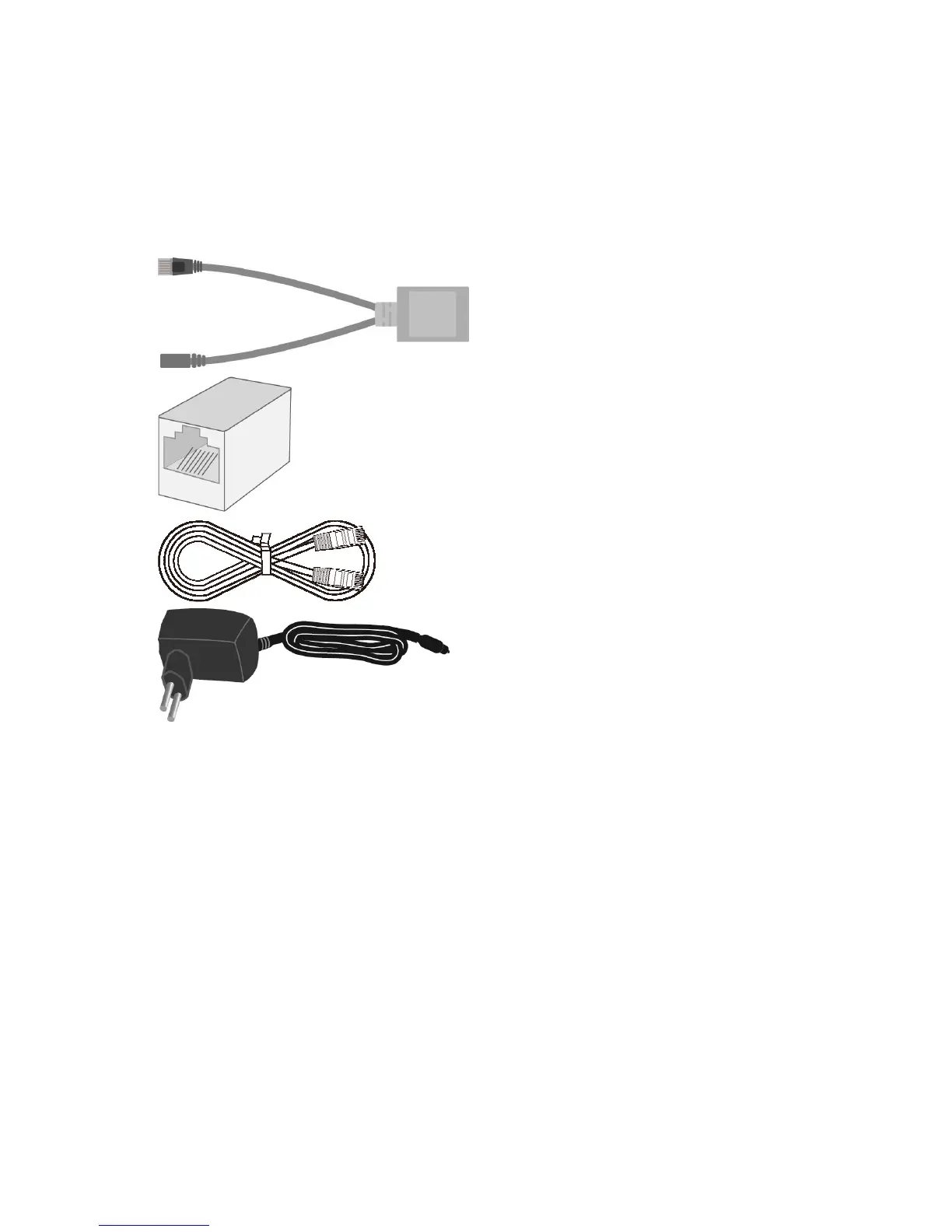
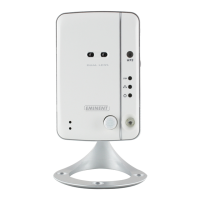
You will need the following components to connect your EM6260 to your network.
”Splitter cable”
”RJ45 Coupler”
”Ethernet cable”
”Power Adapter”
Please connect the accessories to the EM6260 correctly, including the power adapter
and Ethernet cable. And connect the other end of the Ethernet cable to your network.
Usually, this Ethernet cable is plugged into a router or an Ethernet switch. Since the
default settings of the EM6260 use DHCP the EM6260 should be connected to the
Internet immediately. The Internet status LED should be lit constantly.
There are two ways to connect the camera to your wired network.
Please choose the best option for your setup.
2.1.1 Option 1 Power adapter is plugged near the EM6260.
1. Connect a Ethernet cable (max. 50m) to your router/modem/switch.
2. Connect the other end of the Ethernet cable to the “RJ45 coupler”.
3. Connect the Ethernet plug of the Splitter cable to the “RJ45 coupler”
4. Connect the supplied power adapter to the supplied “Splitter cable”.
5. Connect the Power + Ethernet plug from the EM6260 to the “RJ45 coupler”.



 To Next Page