Sensor Assembly
After the wetting process, remove the sensor units with their felt pads from the hydrator pack and
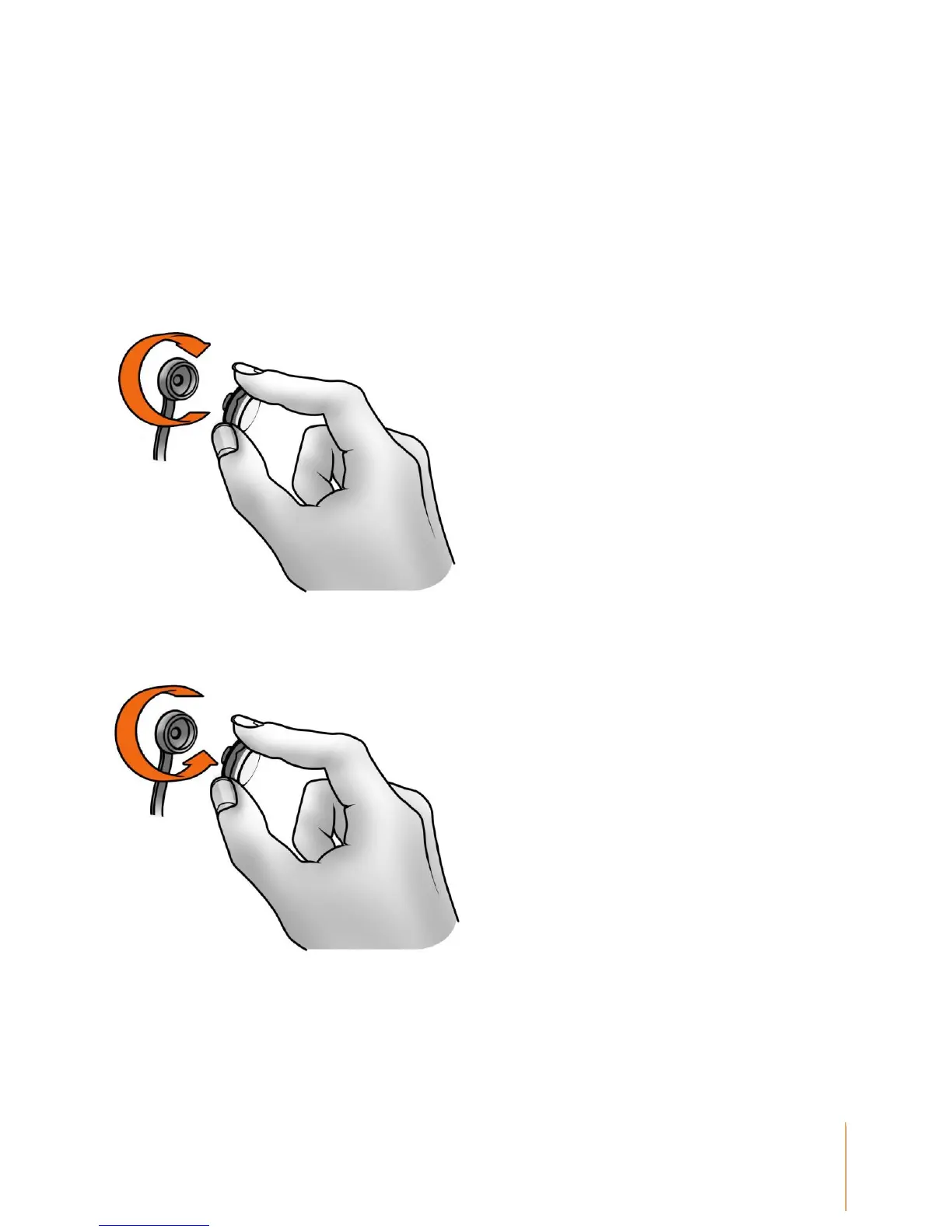
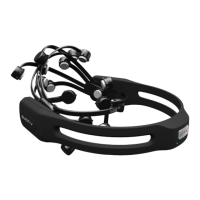
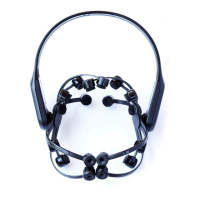
insert each one into the black plastic headset arms, turning each one clockwise one-quarter turn
until you feel a definite "click". The "click" indicates each sensor is correctly installed in a headset
arm. If you have difficulty with this step, apply a little more force until you feel the "click" but be
careful not to exert excessive force as damage might occur. Please see the Troubleshooting
section if the sensors do not click in place easily.
NOTE: When not in use, the sensor units should be removed from the headset arms and stored in
the hydrator pack for subsequent use.


 To Next Page