Page 7
Fusion Flex Amplier
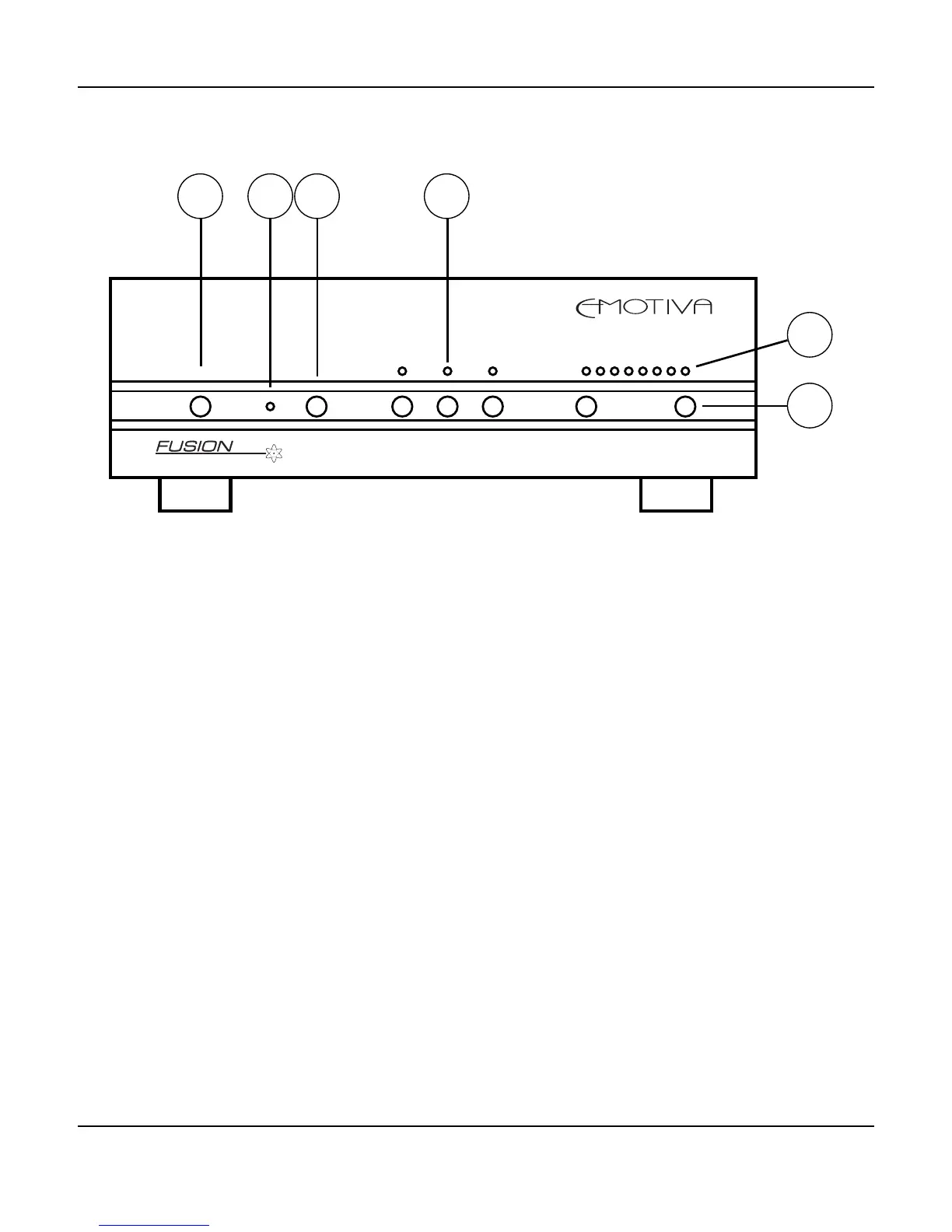
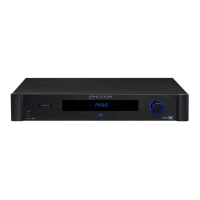
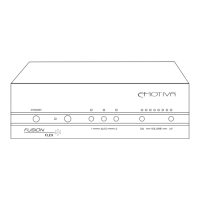
Fusion Flex Amplier Front Panel
1. Standby Button
Switches (toggles) the unit between Standby and On.
2. Standby LED
Illuminates red for Standby; blue for On, ashing red for a Fault condition.
3. Infrared Detector Window
Used by the infrared remote control.
4. Input Selector Pushbuttons and Input LEDs
Pressing 1 or 2 manually selects that input; pressing Auto instructs the Fusion Flex Amp to use
whichever input has active audio signal on it. (If both inputs are active, Input 1 has priority.) When
each input / mode is selected, the corresponding LED will illuminate.
6. Volume LEDs (8)
These LEDs indicate the approximate volume setting.
Note: The Volume on the Fusion Flex Amp can be set in very small increments; the
LEDs only show an approximation of the current setting.
5. Volume Up and Volume Down Pushbuttons
Press and hold either button to increase or decrease volume gradually.
DN----------VOLUME ----------UP
1------------AUTO------------2
STANDBY
FLEX
1 32 4
5
6


 To Next Page