Page 9
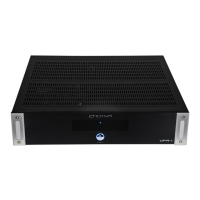
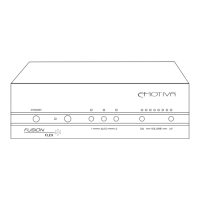
Fusion Flex Amplier
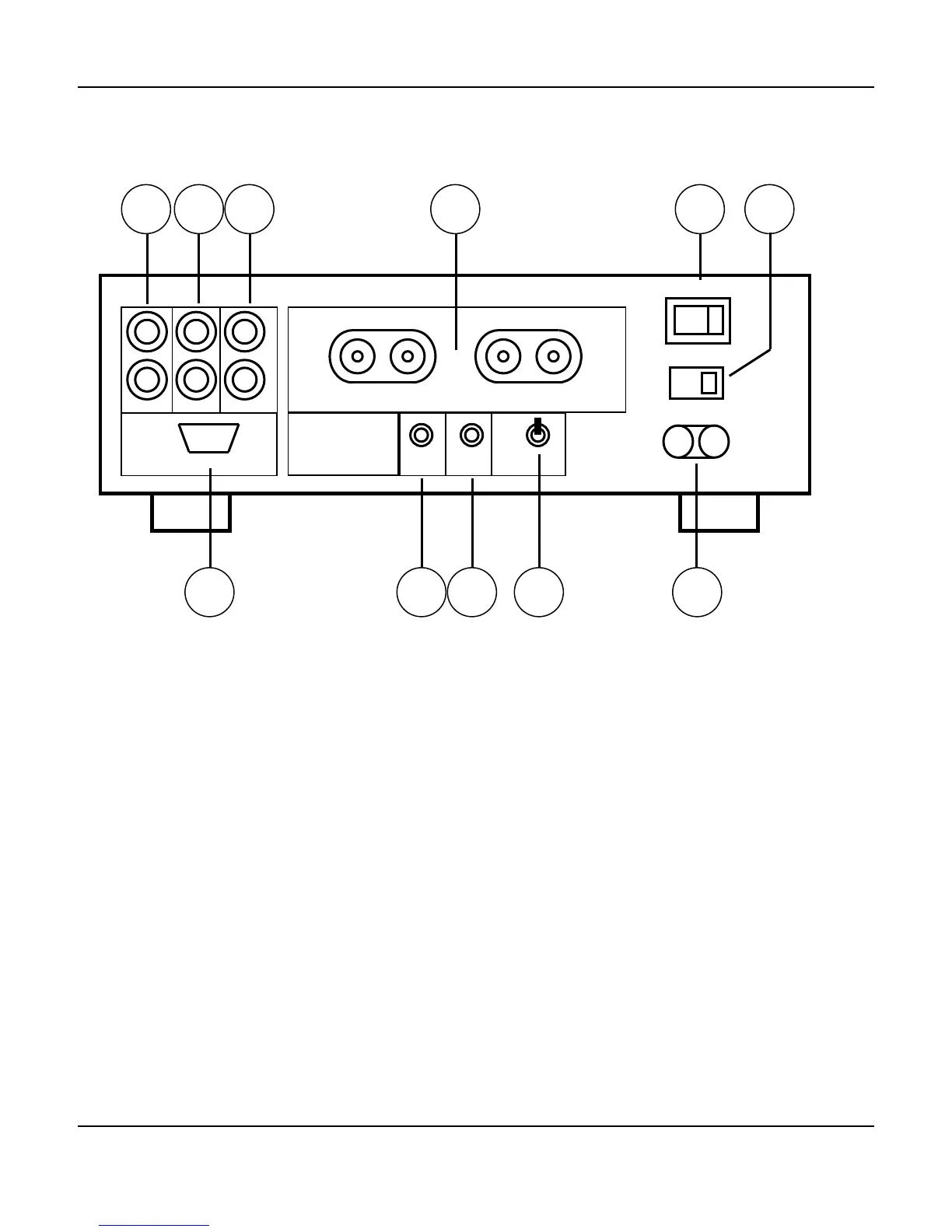
Fusion Flex Amplier Rear Panel
1, 2. Inputs (one stereo pair for each input; unbalanced)
Connect your line level inputs to these.
3. Outputs (one stereo pair; unbalanced)
Stereo pass through output carries the selected input signal for chaining other devices.
4. Speaker Outputs
Heavy duty binding posts accept bare wires, spade lugs, and banana plugs.
5. Power Switch
Switches the AC mains power to the Fusion Flex Amplier On and O. When this switch is O, the
Fusion Flex Amplier will not respond to trigger signals or manual controls.
6. Input Voltage Selector Switch
Always ensure that this switch is set for the proper line voltage for your area and installation.
+ LEFT - + RIGHT -
RS-232 CONTROL
INPUT 1 INPUT 2 OUTPUT
SPEAKER OUTPUTS
TRIGGER
IN
IR
IN
ON
OFF
AUTO
ON OFF
POWER
115
L
R
1 2 3 4 5 6
7 8 9
10
11
FUSION
FLEX POWER


 To Next Page