Page 15
Fusion Flex Amplier
Volume Control
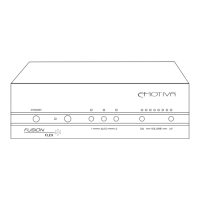
To control the volume of the Fusion Flex Amp from the front panel or the IR remote control, press
or press and hold the Volume Up or Volume Dn button. The level will increase or decrease by
a very small increment each time the button is pressed, and move smoothly up or down if the
appropriate button is held down. When under the control of an RS-232 serial controller, the level
may be either moved up or down, or set to an explicit level (explicit levels are expressed as a
negative value, with 0 being full volume and 80 being minimum volume).
Note: The Volume LEDs only indicate the approximate Volume setting; the actual
actual Volume control operates in much ner increments than the LEDs indicate.


 To Next Page