eMKW-TD0054-21- Page 56
respectively.
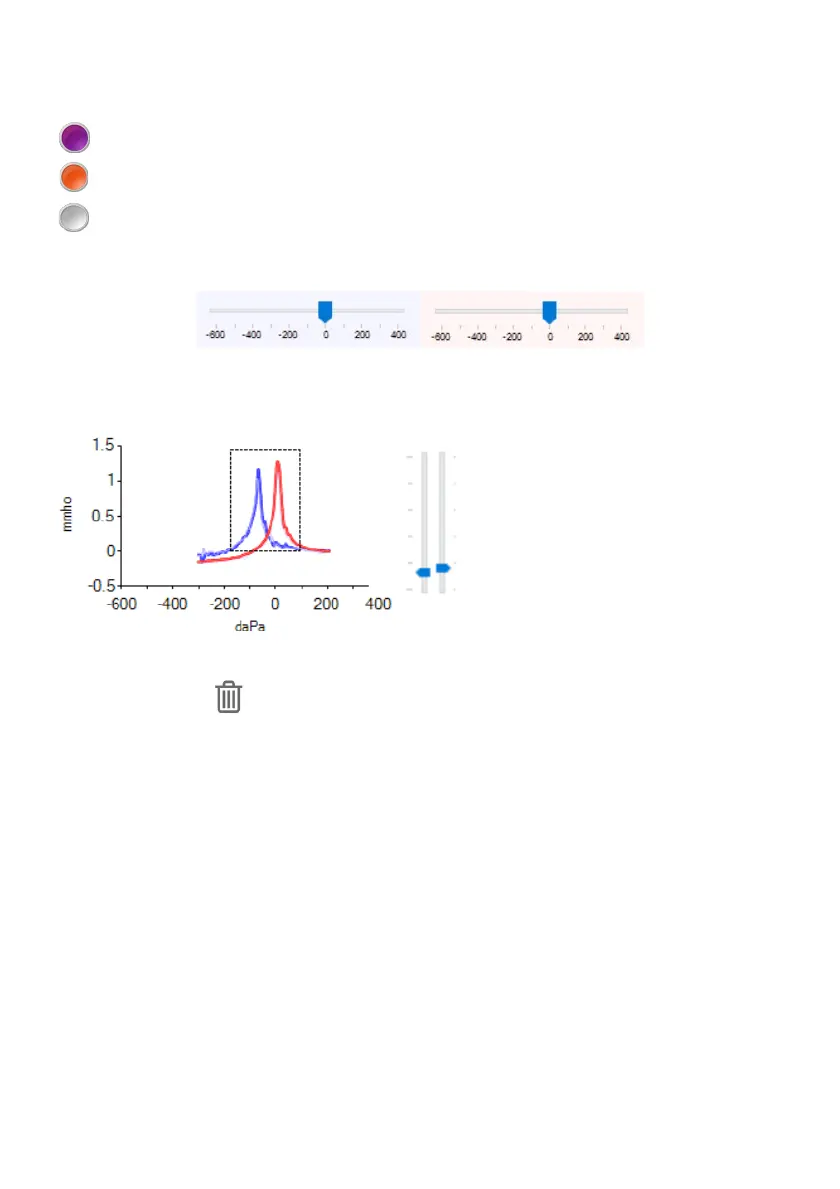
To the left and right of the test buttons are indicator lights.
A purple light indicates that a sweep is underway.
An orange light indicates that audio is being played but the sweep is not underway yet.
A white light indicates that the pump is initialising or resetting itself.
The pressure in the ear canal is updated in real time and is displayed on the pressure bars on each side.
The tympanogram is updated in real-time and is displayed on the graph in the centre.
The blue line is for the left ear tympanogram. The red line is for the right ear tympanogram.
The ear canal volume is indicated as a metric
and is visually displayed on the bars to the
right of the graph (left bar for left ear, right
bar for right ear). The scale runs from 0 cm³
to 5 cm³.
If the seal is lost during a test, the sweep is aborted and the pump is reset. To delete a tympanogram click
on the Discard button
View the Tympanograms Metrics
Various metrics are displayed for the tympanogram for each side:



 To Next Page