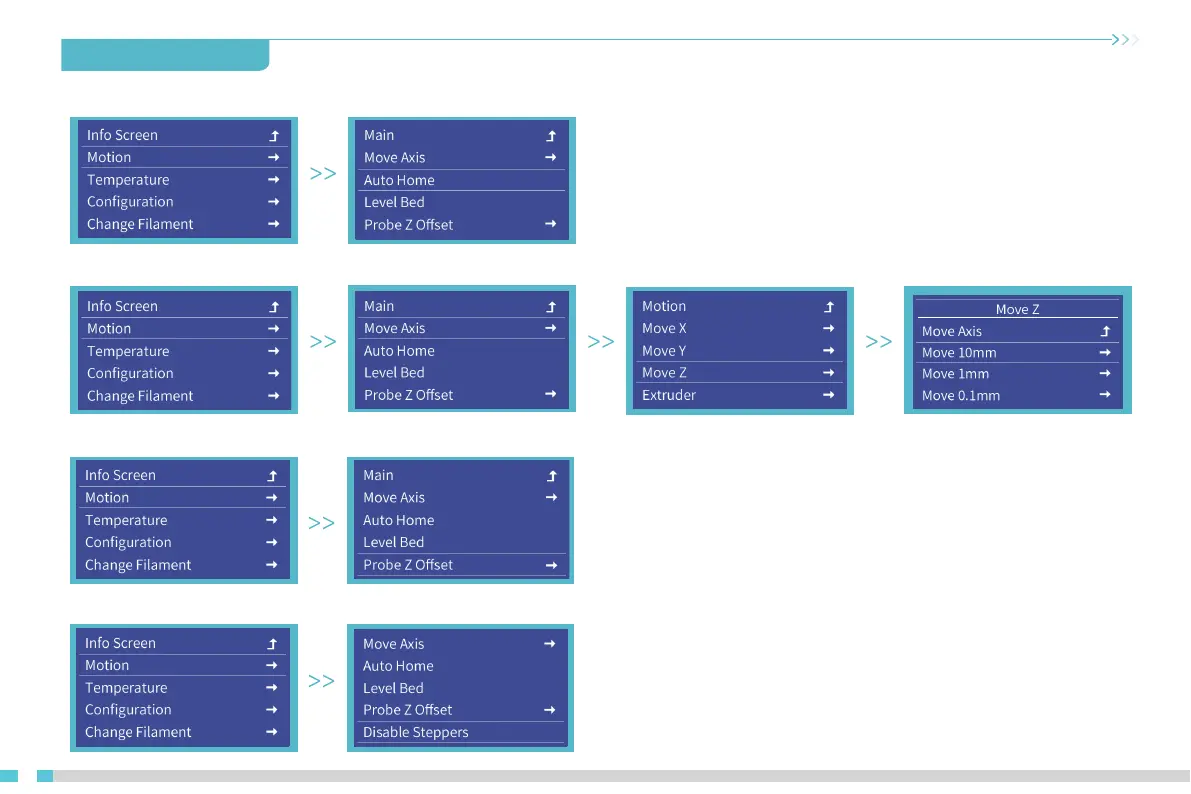
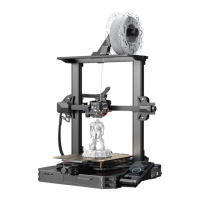
6. Auxiliary leveling
6.1 Info screen → Motion → Auto Home. (Waiting for the end of the CR-Touch detection platform)
6.2 Info screen → Motion → Move Axis → Move Z. (Adjust the value to 0)
6.3 Info screen → Motion→ Probe Z offset. (Observe the clearance between the nozzle and the platform and adjust the Z Offset to allow a distance of
approximately 0.2mm between the nozzle and the platform.)
14
6.4 Info screen → Motion → Disable Steppers. (Move manually the nozzle to the top of the platform adjusting knob and adjust the four knobs in
turn to make the distance between the nozzle and the platform about 0.2mm. Repeat the adjustment 1 to 2 times if necessary. )


 To Next Page