44
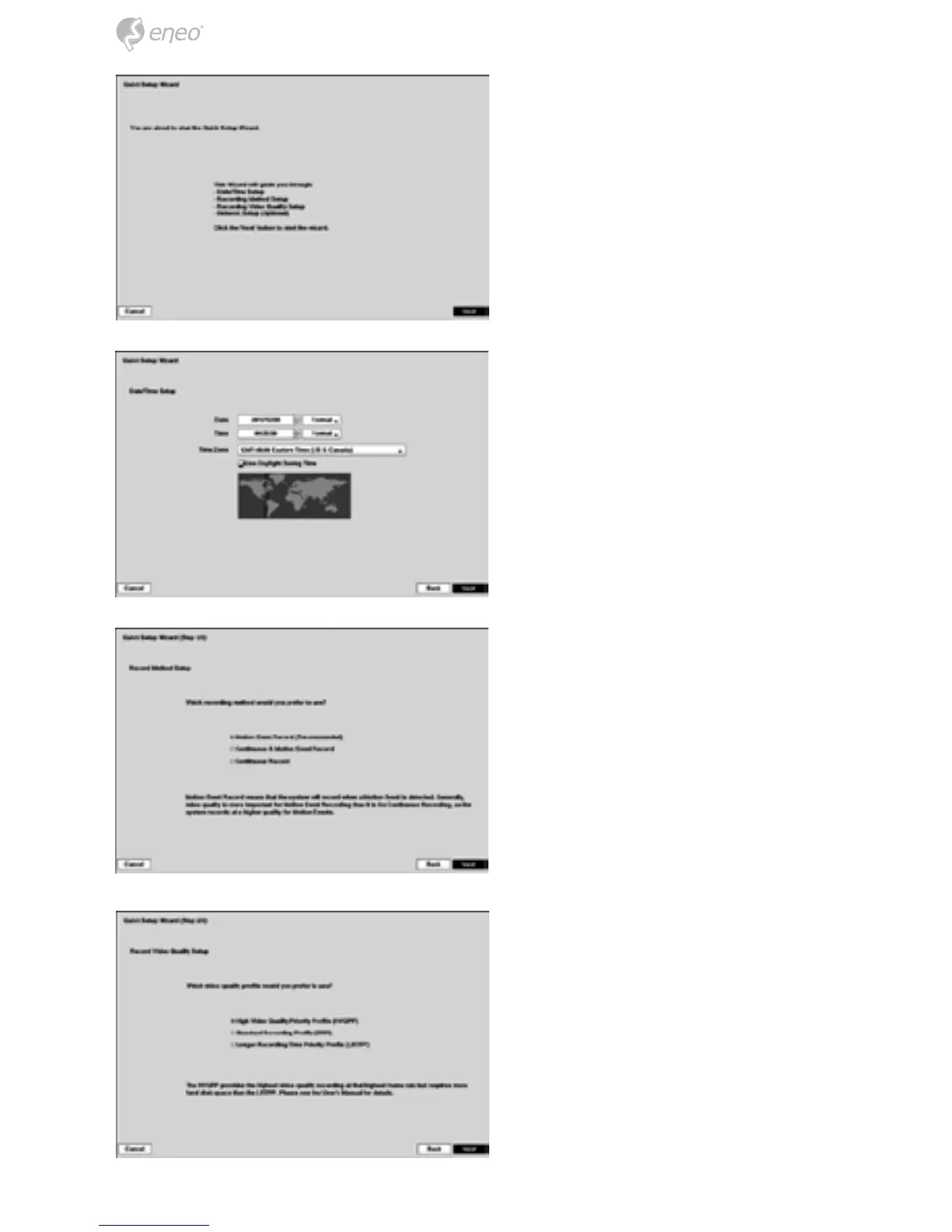
If you selected the Quick wizard,
selecting the Next button starts the
Quick Setup Wizard.
Date: Set the system date and se-
lect the date format.
Time: Set the system time and se-
lect the time format.
Time Zone: Select your time zone.
The Time Zone can be selected on
the map.
Use Daylight Saving Time: Select-
ing the box sets the system to use
daylight saving time.
Record Method Setup
Select the desired recording mode
from:
– Motion Event Record (Recom-
mended)
– Continuous & Motion Event Re-
cord
– Continuous Record
Record Video Quality Setup
Select the desired video quality
profile from:
– Higher Video Quality Priority
Profile
– Standard Recording Profile
– Longer Recording Time Priority
Profile



 To Next Page