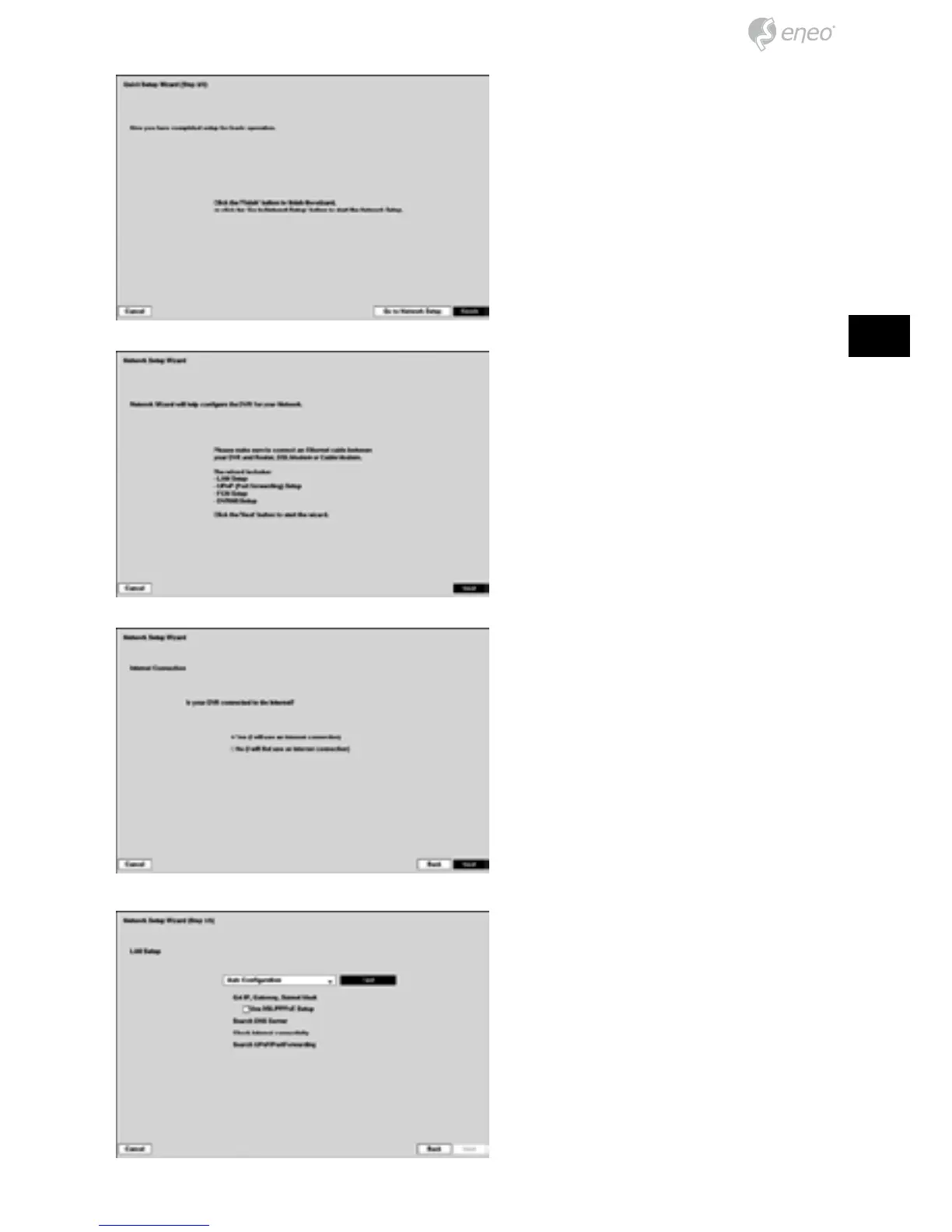
Select the Finish button to finish the
Quick Setup Wizard and select the
Go to Network Setup button to start
the Network Setup.
If you selected the Go to Network
Setup, select the Next button to
start the Network Setup Wizard.
Internet Connection
Select whether or not your DVR is
connected to the Internet.
Select between Auto Configuration
and Manual Configuration for net-
work configuration, and then select
the Test button to test the network
configuration you selected.
Use DSL/PPPoE Setup: Selecting
the box allows you to set up the
DSL network. Entering the ID and
password for DSL connection is
required.



 To Next Page