EasyManua.ls Logo

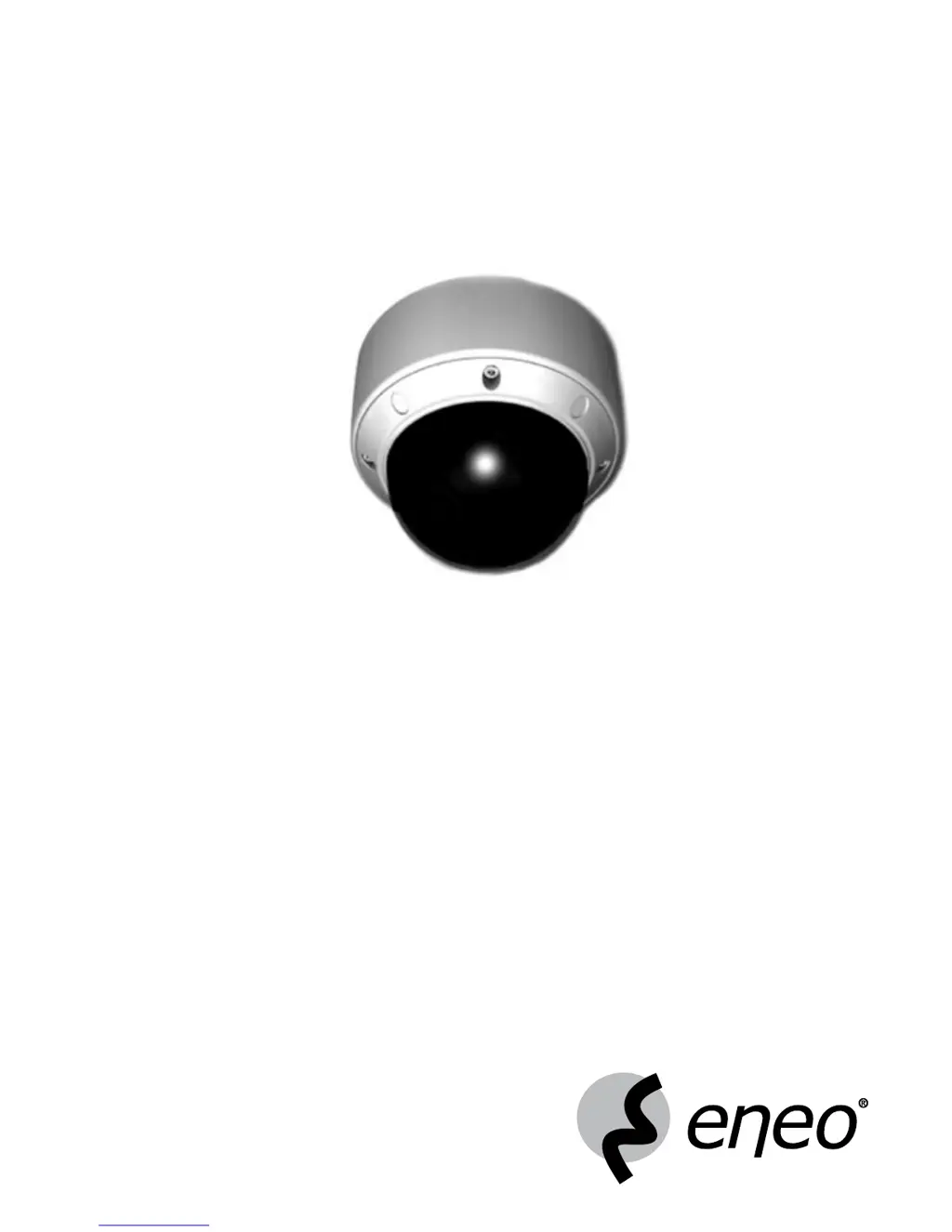
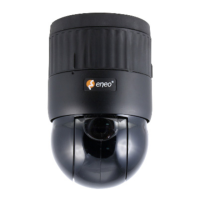
Eneo EDMC-142 - User Manual

Eneo EDMC-142
90 pages
Print Icon
To Next Page IconTo Next Page
Loading...
1
Montage und Betriebsanleitung
Vandalismusgeschützte 1/4” Farb High Speed
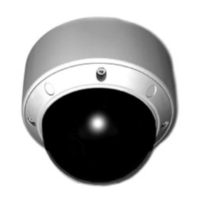
Mini Domekamera EDMC-142
Installation and Operating Instructions
Vandal Proof 1/4” Colour High Speed
Mini Dome Camera EDMC-142

Table of Contents

Questions and Answers

  • A
    Andrew SpencerAug 9, 2025
    Why does the image on my Eneo EDMC-142 flicker?
    • G
      Glenn BellAug 9, 2025
      If your Eneo Security Camera is facing directly into the sun or fluorescent lighting, it may cause the image to flicker. Try repositioning the camera to avoid direct exposure to these light sources.
  • B
    Brandi HoltAug 14, 2025
    What to do if the contrast on my Eneo EDMC-142 Security Camera screen is too weak?
    • B
      Bianca HaynesAug 14, 2025
      If the contrast on your Eneo Security Camera screen is too weak, it might be due to strong light exposure. Try changing the camera position. Also, adjust the contrast feature of the monitor.
  • R
    Richard HessAug 19, 2025
    What to do if the image on my Eneo EDMC-142 Security Camera screen is distorted?
    • E
      Ebony MillerAug 19, 2025
      If the image on your Eneo Security Camera screen is distorted, check if the power frequency is set properly in sync. If it's not set correctly, the line lock synchronization mode cannot be used. Set the synchronization mode to INT.NTSC model power frequency in LL mode: 60Hz.
  • J
    James WrightAug 25, 2025
    How to fix a dim image on my Eneo EDMC-142 Security Camera?
    • S
      steven60Aug 25, 2025
      If the image on your Eneo Security Camera screen is dim, the lens may be dirty. Clean the lens with a soft, clean cloth.
  • M
    Mary SmithAug 29, 2025
    What to do if my Eneo Security Camera is not working and the case is hot?
    • W
      wcowanAug 29, 2025
      If your Eneo Security Camera is not working properly and the surface of the camera case is hot, check if the camera is connected to the proper power.
  • N
    Nicholas StewartSep 2, 2025
    How to troubleshoot an Eneo EDMC-142 Security Camera when nothing appears on the screen?
    • T
      Thomas AllenSep 3, 2025
      Check if the power cord and line connection between the camera and monitor are properly connected.

Eneo EDMC-142 Specifications

General IconGeneral
Lens MountM12
Motion DetectionYes
AudioNo
Power SupplyDC 12V
StorageMicroSD card

Related product manuals