55
3.2 Preset Menu
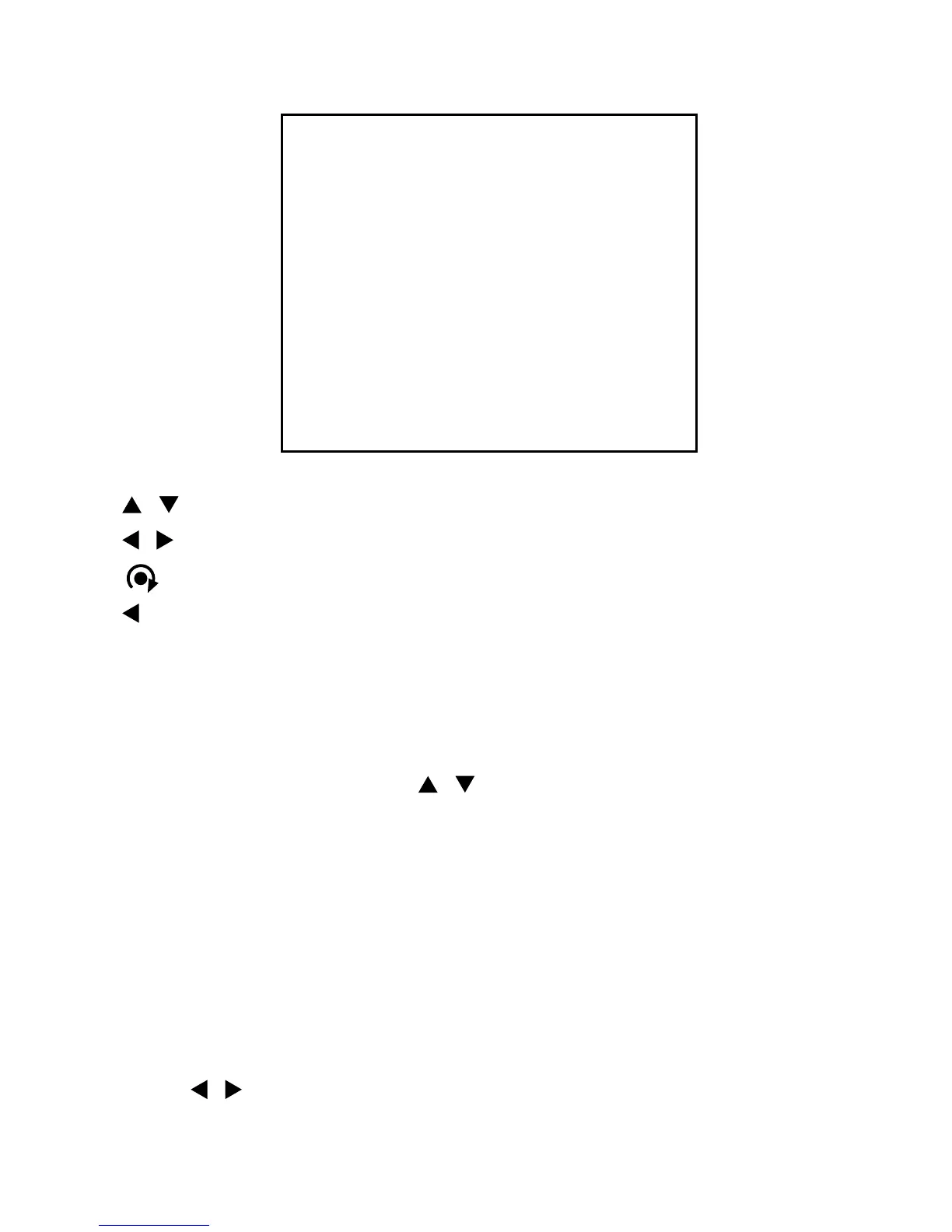
PRESET MENU
NUMBER: 01
TITLE:
0/1234567890 1/1234567890
– – – – – – – – – – – –
2/1234567890 3/1234567890
– – – – – – – – – – – –
4/1234567890 5/1234567890
– – – – – – – – – – – –
SAVE AND EXIT
EXIT
/ : move cursor up and down
/ : move cursor left and right or select or change values
: move dome camera to saved preset point at NUMBER: xx, or character at
/ ESC : exit current menu without data saving
3.2.1 Set Presets
1. Select NUMBER: 01 using the / button.
2. Press
IRIS OPEN button to move the position of the dome then the message
„CONTROL” displays on the screen.
3. Move the dome to the desired position using the arrow buttons and set the zoom
level using the zoom in or zoom out buttons.
4. Press
IRIS CLOSE button then the message of „CONTROL” disappears on the screen.
5. Select
SAVE AND EXIT and press the right button to save the preset.
Then the „ = ” mark changes to the „ * ” mark. To exit without saving, select
EXIT and press the right button.
To insert title, move cursor to
TITLE: and set proper title by Zoom In /Zoom Out
and / buttons.
NOTE: The „ = ” mark means a blank preset and the „ * ” mark means a
pre-defined prese position.


 To Next Page