61
3.6.1 Focus Control Menu
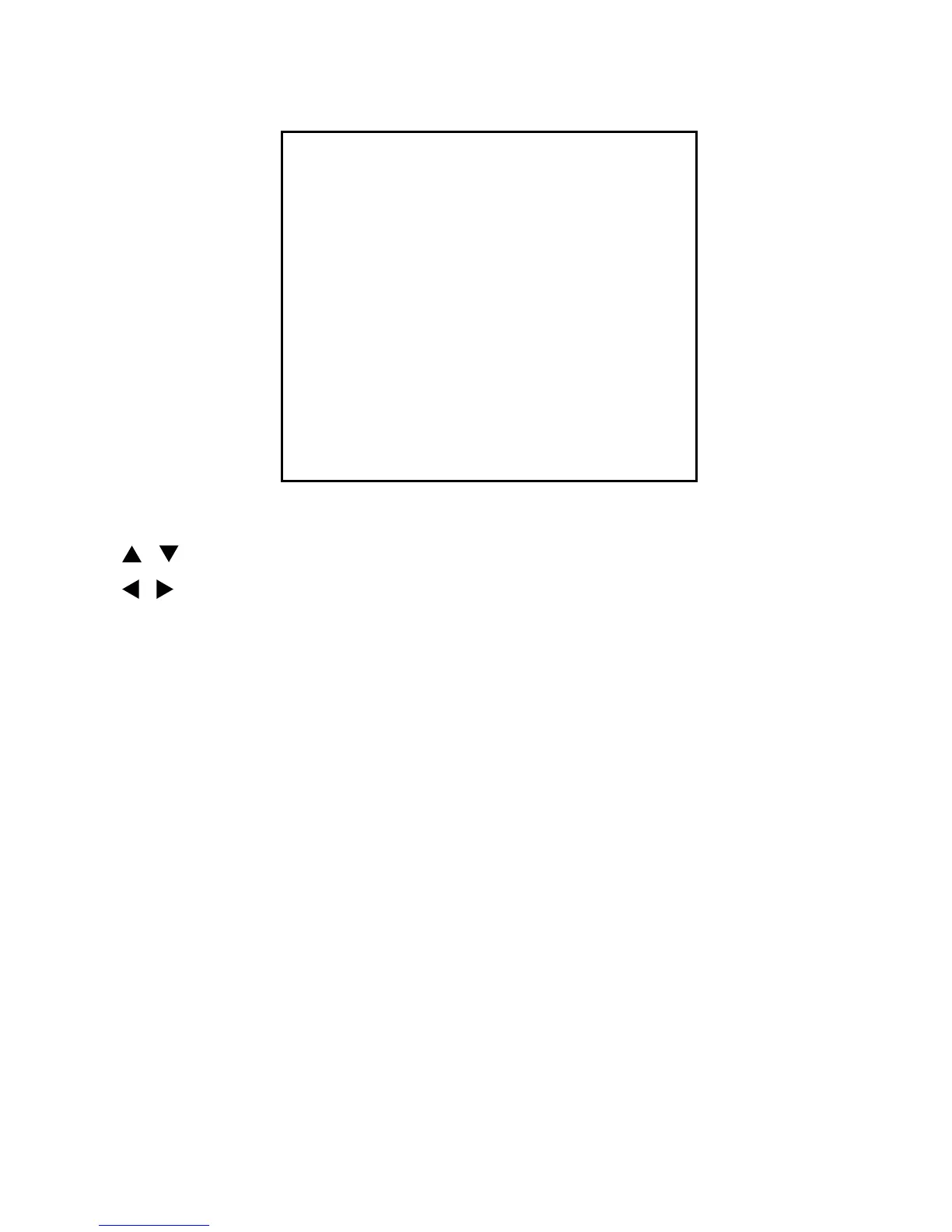
FOCUS CONTROL MENU
MODE: AUTO
DISTANCE: 0.1M
DIGITAL ZOOM: OFF
SAVE AND EXIT
EXIT
/ : move cursor up and down
/ : move cursor left and right or select
ESC : exit current menu
3.6.1.1 Set Focus Options
• MODE: AUTO/MANUAL
You can select focussing mode, auto or manual.
• DISTANCE: 0.1/1.0/1.5/2.5/6.0M
Camera doesn’t focus nearer than this range.
• DIGITAL ZOOM: ON/OFF
When this is set to
OFF, camera zoom uses only optical zoom mode.


 To Next Page