3. Program and Operation
NOTE: Below symbols mean some action of joystick controller.
/ : move joystick up and down direction
/ : move joystick left and right direction
: twist joystick
KEY : push defined key
3.1 Main Menu
/ : move cursor up and down
: select
/ ESC : move joystick left and right direction
The
MAIN MENU displays the available all functions of dome. You should press
MENU key to display this MAIN MENU.
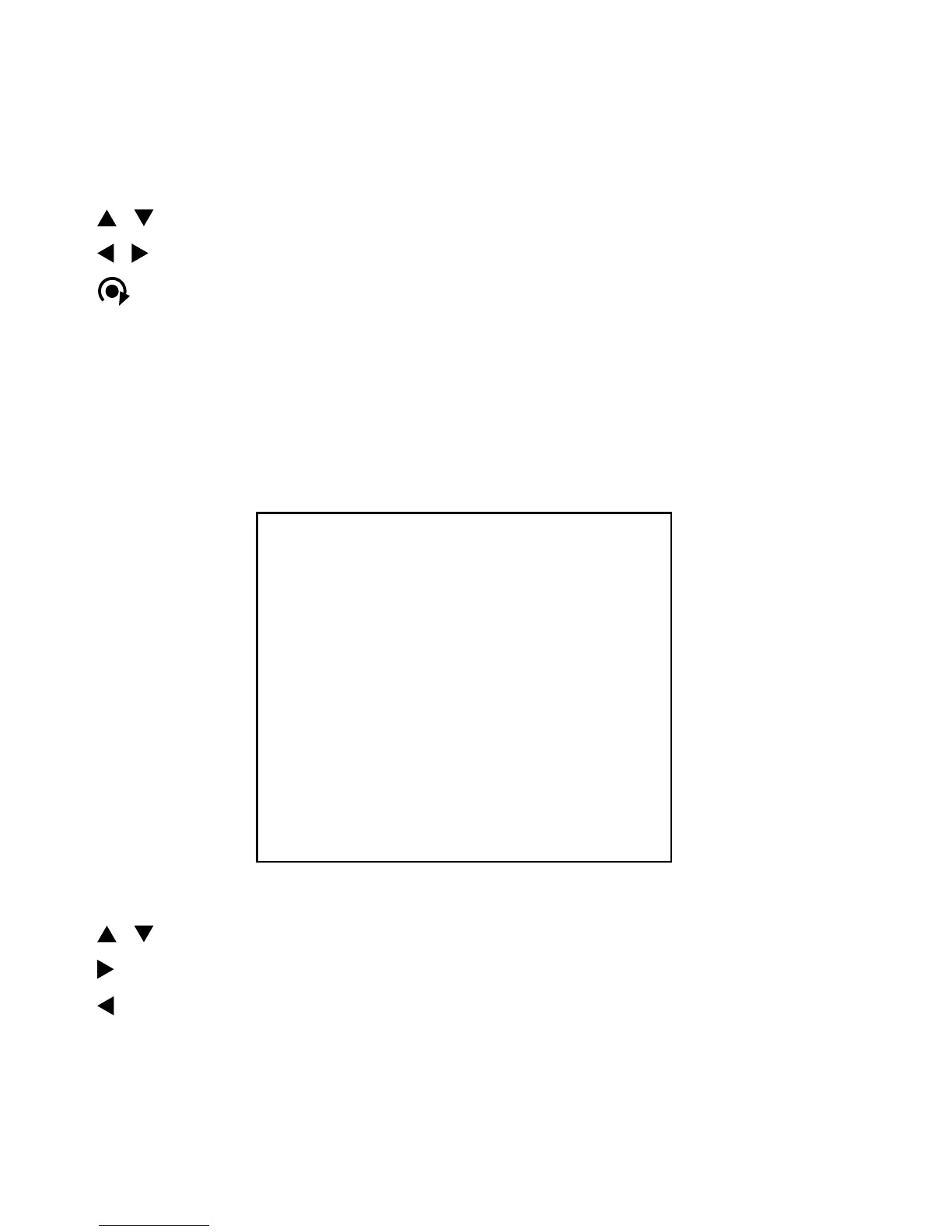
MAIN MENU
PRESET
TOUR
AUTO SCAN
ALARM
CAMERA SETUP
DOME SETUP
EXIT


 To Next Page