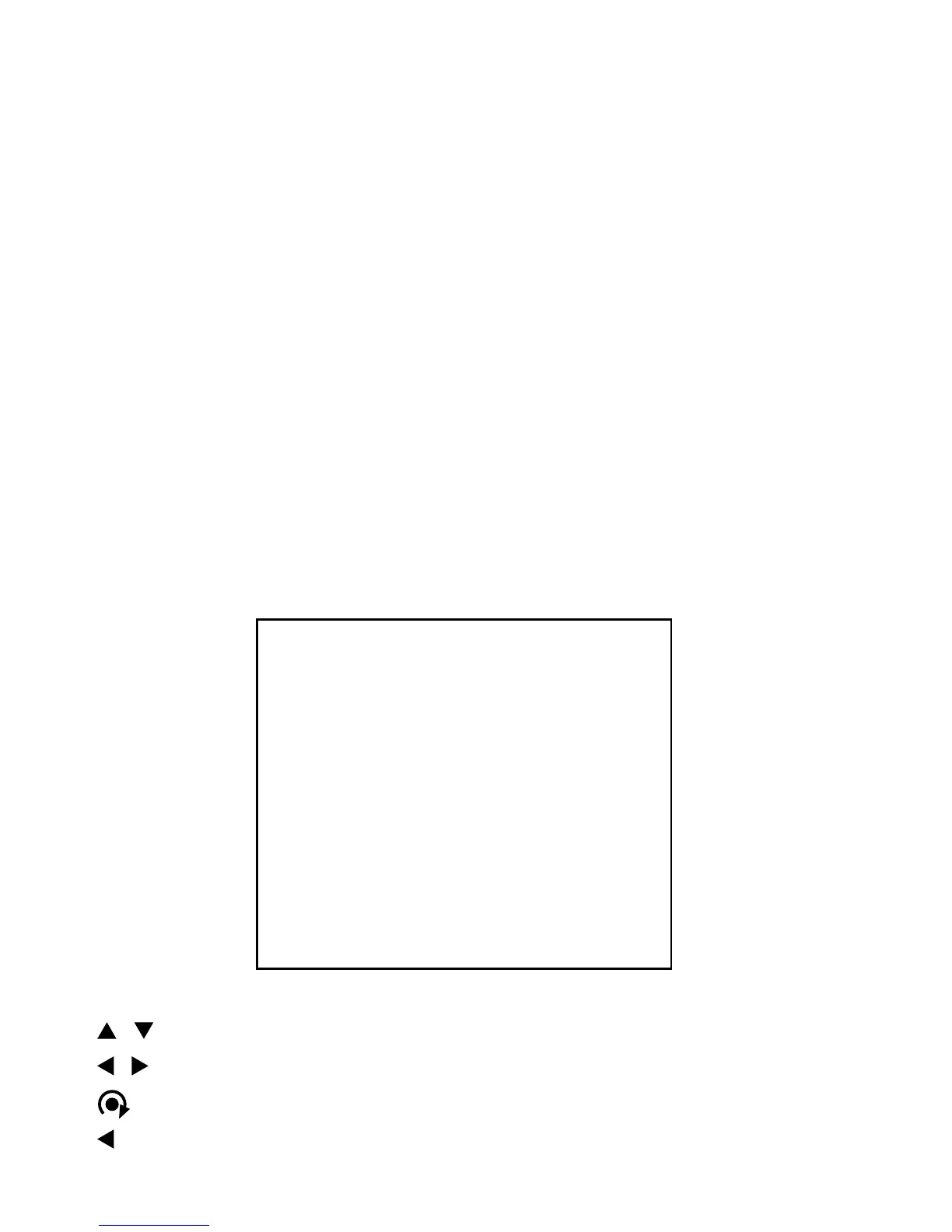
TOUR MENU
TOUR : 1
TITLE:
DWELL TIME: 05 SEC
-- -- -- -- -- -- -- --
-- -- -- -- -- -- -- --
DELETE DATA
SAVE AND EXIT
EXIT
3.2.2 Set Shortcut Preset
Press preset number key and press PGM and press PRST key. For example, if you
want to save to number 1 preset point.
Press 1 key and press PGM key and press PRST key.
3.2.3 Run Preset
Press preset number key and press PRST key. For example, you want to go to
number 3 preset point. Press 3 key and press PRST key.
If you are in menu mode, this is invalid.
3.3 Tour Menu
/ : move cursor up and down
/ : move cursor left and right or select or change values
: change the character at TITLE: or charge preset number on the - - mark
/ ESC : exit current menu without data saving


 To Next Page