71
4. Troubleshooting
If you experience difficulties operating your camera, refer to the following.
If the guidelines do not enable you to solve the problem, contact an authorized
technician.
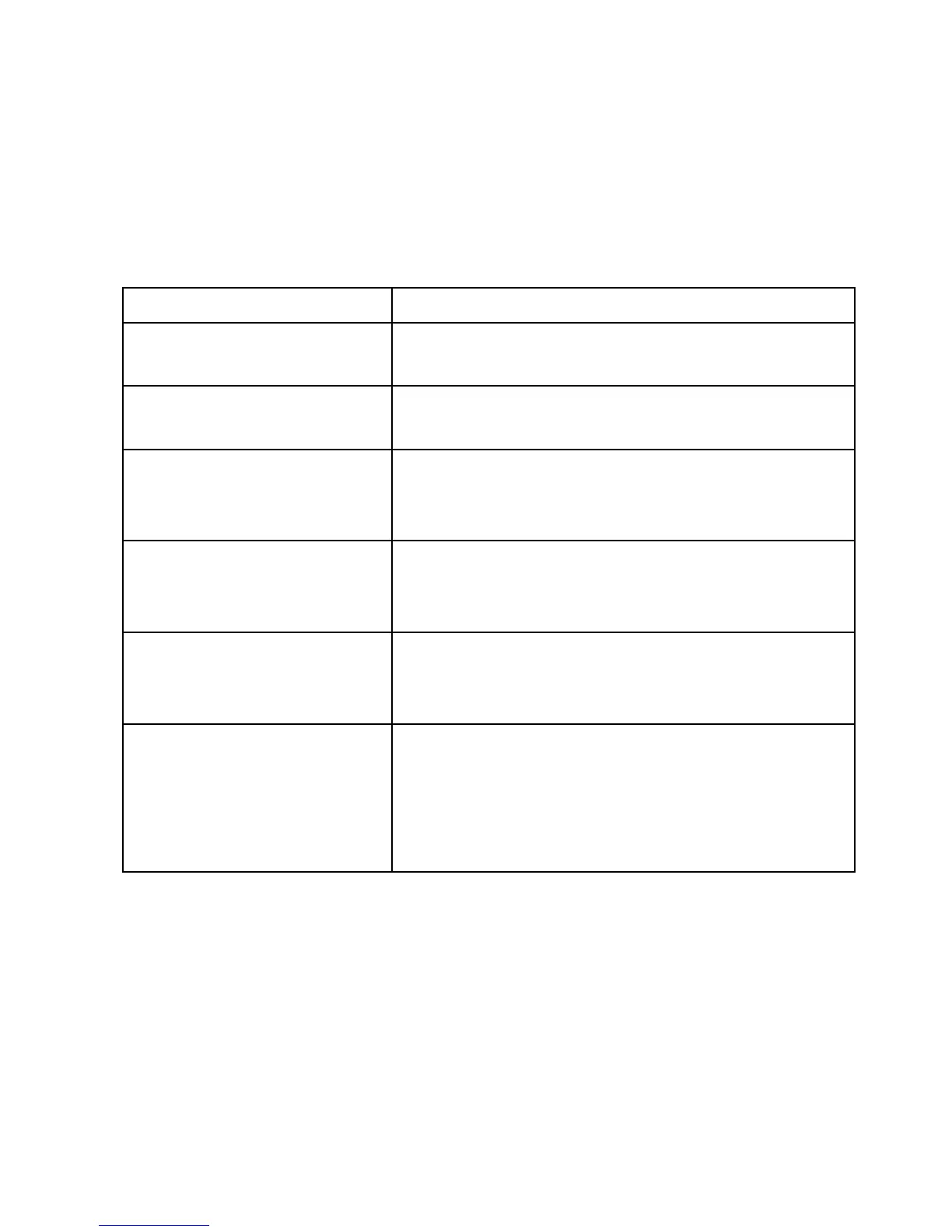
Problem Solutions
Nothing appears
on the screen.
• Are the power cord and line connection between
the camera and monitor made properly ?
The image on the screen
is dim.
• Is the lens dirty ? If so, clean the lens with a
soft, clean cloth.
The camera is not working
properly and the surface
of the camera case is hot.
• Is the camera connected to the proper power ?
The contrast on the screen
is too weak.
• Adjust the contrast feature of the monitor.
• Is the camera exposed to strong light ?
If so, change the camera position.
The image on the screen
flickers.
• Does the camera face directly into the sun or
fluorescent lighting ?
If so, reposition camera.
The image on the screen
is distorted.
• Is the power frequency set properly in sync?
If the power frequency is not set correctly, the
line lock synchronization mode cannot be used.
• Set the synchronization mode to INT.NTSC
model power frequency in LL mode: 60Hz.


 To Next Page