EAP-3660 11b/g Wireless Access Point Version 1.1
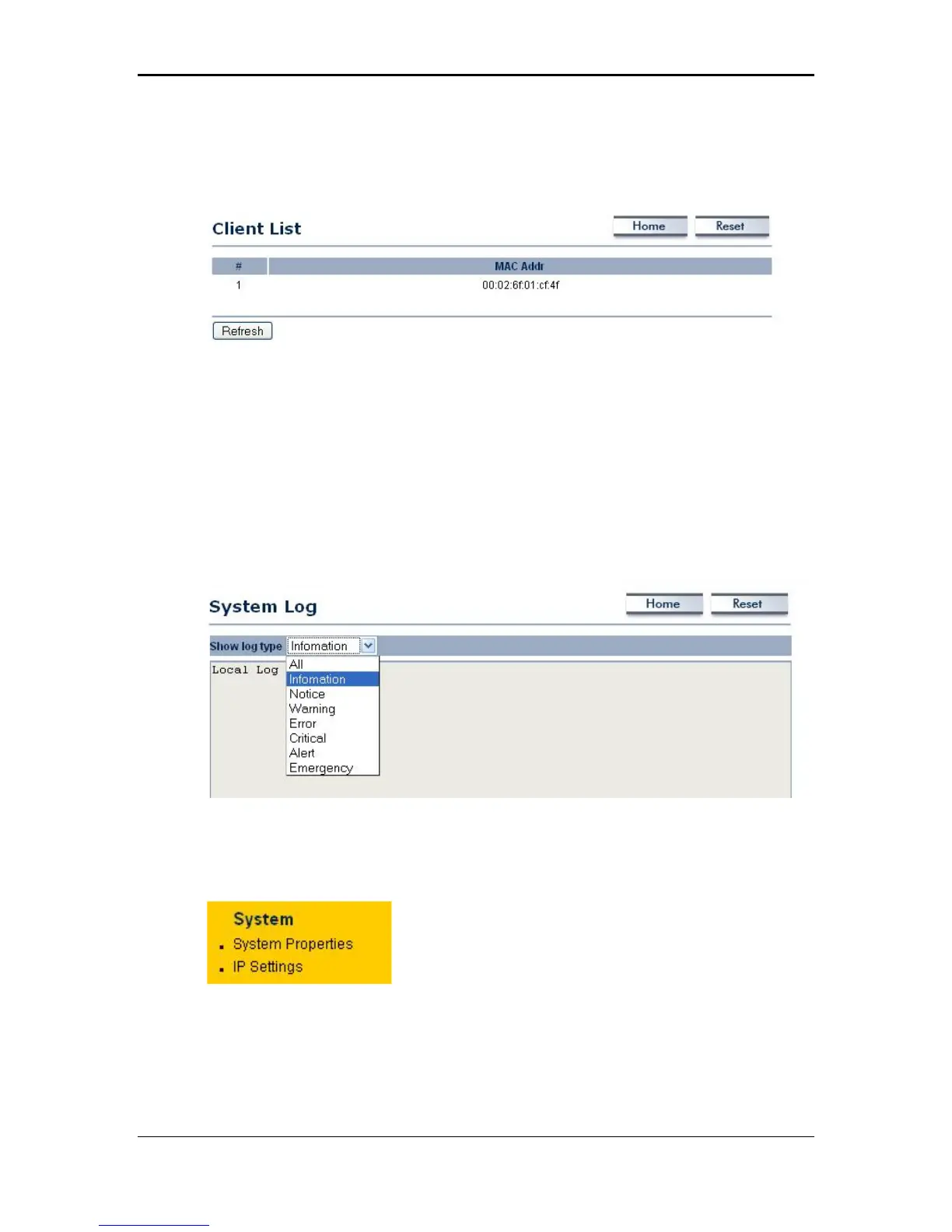
Client List
Click on the Client List link to view a list of devices that are associated with the
Access Point.
Click on the Refresh button to view an updated list of devices that are associated
with the Access Point.
System Log
The System Log page displays a list of events that are triggered on the Ethernet
and Wireless interface. This log can be referred to when an unknown error occurs on
the system or when a report needs to be sent to the technical support department for
debugging purposes.
System
Click on the System link on the navigation
drop-down menu. You will then see two
options: system properties and IP settings.
Each option is described below.
15



 To Next Page