EAP-3660 11b/g Wireless Access Point Version 1.1
2 Understanding the Hardware
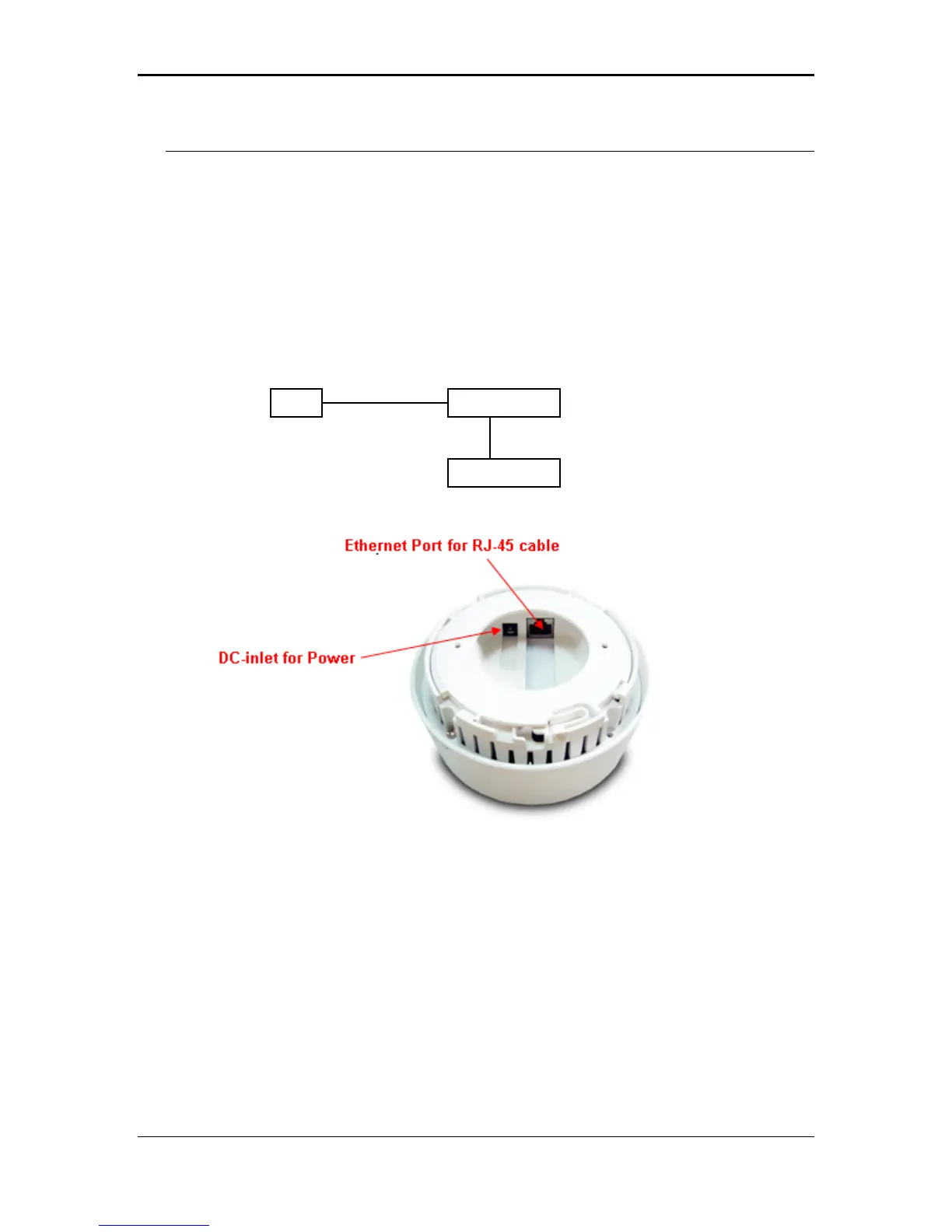
Hardware Installation
1 Place the unit in an appropriate place after conducting a site survey.
2 Plug one end of the Ethernet cable into the RJ-45 port on the rear panel of the
device and another end into your PC/Notebook.
3 Insert the DC-inlet of the power adapter into the port labeled “DC-IN” and the
other end into the power socket on the wall.
This diagram depicts the hardware configuration
ccess Point
Ethernet
Power Outlet
PC
AC/DC cable
9



 To Next Page