EasyManua.ls Logo

EnGenius EAP150 - WPS (Wi-Fi Protected Setup)

EnGenius EAP150
64 pages
Print Icon
To Next Page IconTo Next Page
To Previous Page IconTo Previous Page
Loading...
43
5.6 WPS (Wi-Fi Protected Setup)
The WPS feature in the Wireless menu follows the Wi-Fi Alliance WPS standard. It eases the set up of security-enabled
Wi-Fi networks in homes and/or small office environments.
It reduces the user steps required to configure a network and supports two methods that are familiar to most
consumers to configure a network and enable security.
Note: Only in Access Point and WDS AP mode.

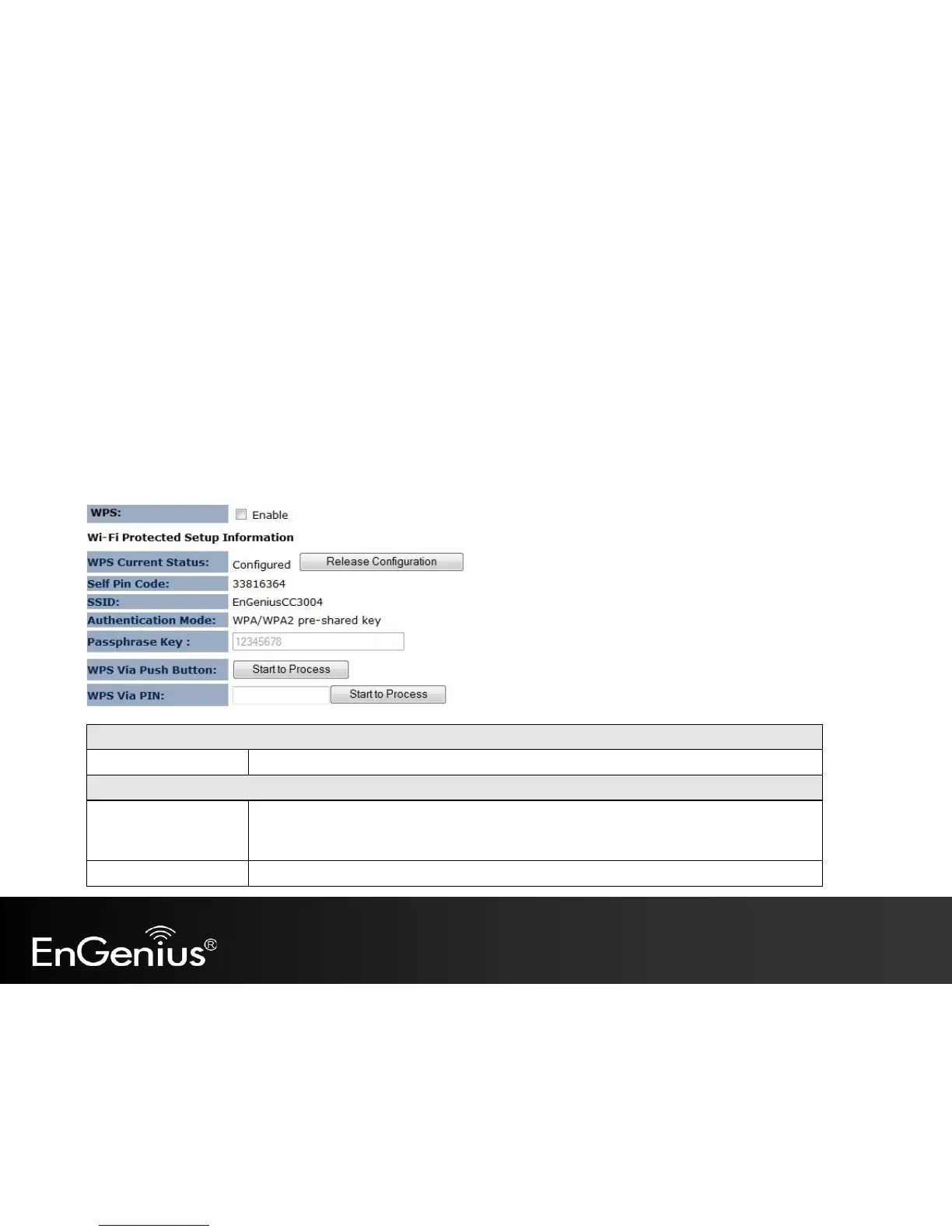
Wi-Fi Protected Setup (WPS)
WPS
Check to Enable the WPS feature.
Wi-Fi Protected Setup Information
WPS Current Status
Shows whether the WPS function is Configured or Un-configured.
Configured means that WPS has been used to authorize connection between the EAP150 and
the wireless clients.
SSID
The SSID (network name) used when connecting using WPS.

Other manuals for EnGenius EAP150

Related product manuals