28
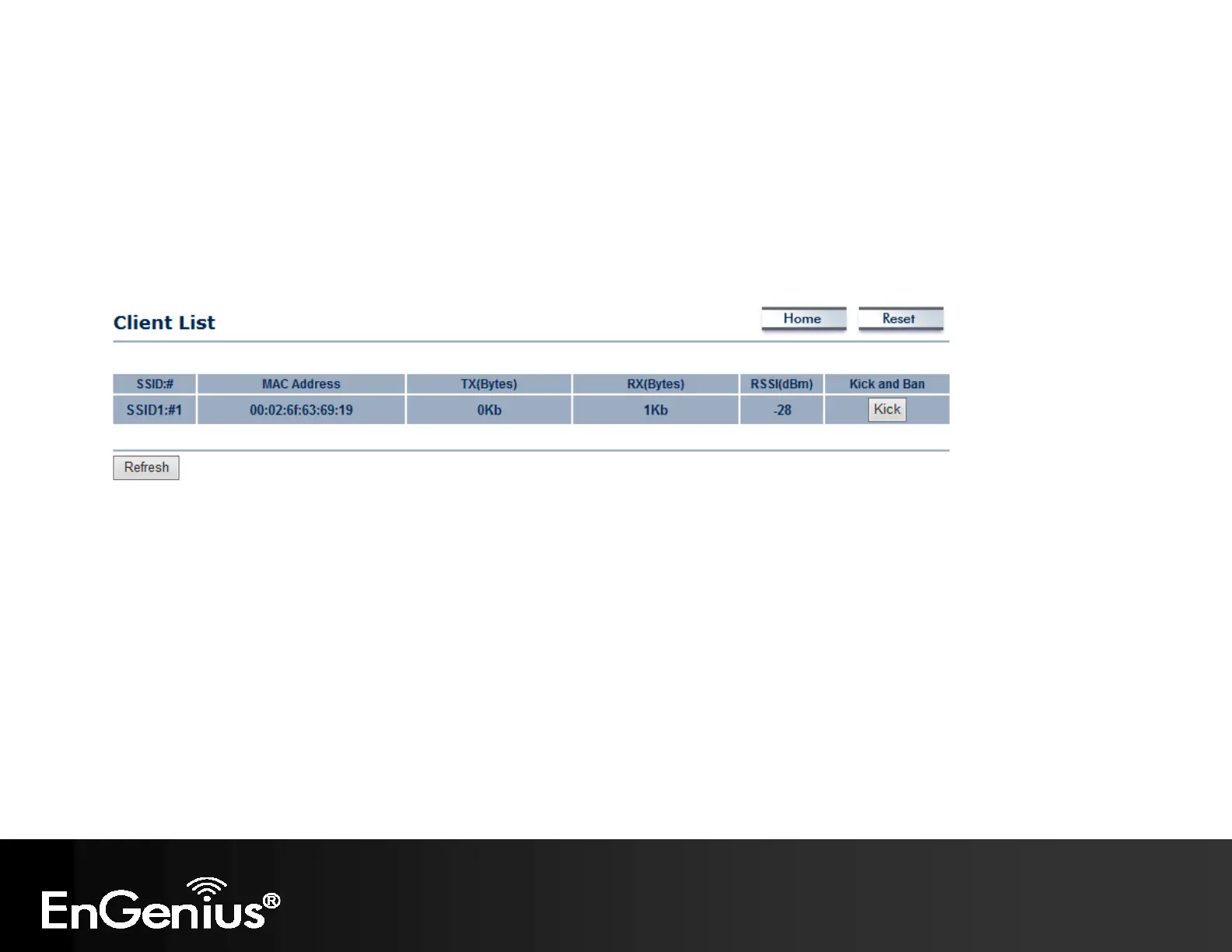
5.3 Wireless Client List
Clicking the Wireless Client List link under the Status menu displays the list of clients associated to the EAP300, along
with the MAC address, TX, RX and signal strength for each client. Clicking Kick in the Kick and Ban column removes this
client. Clicking Refresh updates the client list.
Note: Only applicable in Access Point, WDS AP, and Repeater mode.



 To Next Page