57
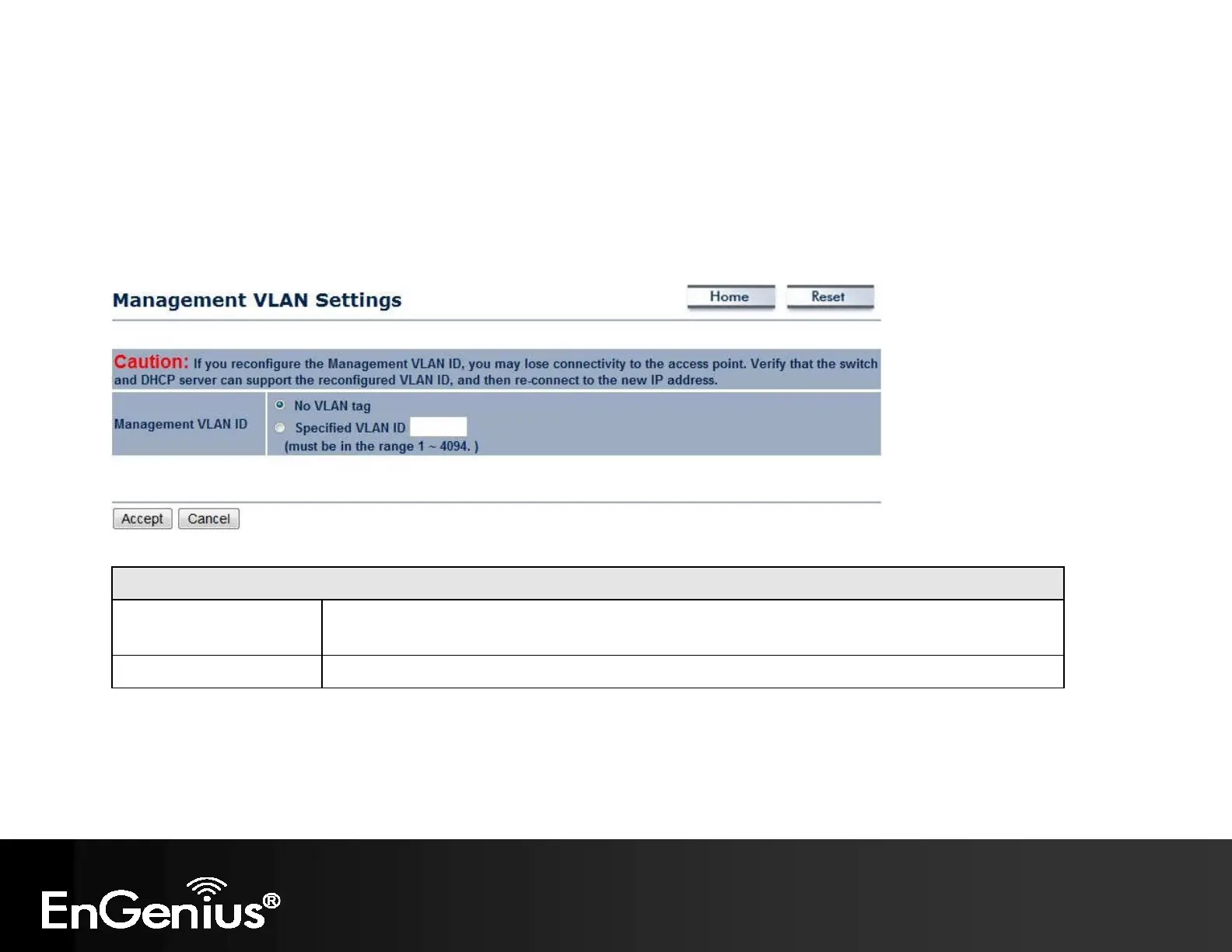
8.2 Management VLAN
This page allows you to assign a VLAN tag to the packets. A VLAN is a group of computers on a network whose software
has been configured so that they behave as if they were on a separate Local Area Network (LAN). Computers on VLAN do
not have to be physically located next to one another on the LAN.
Management VLAN
Management VLAN ID If your network includes VLANs and if tagged packets need to pass through the Access Point,
enter the VLAN ID. Otherwise, click No VLAN tag.
Accept / Cancel Click Accept to confirm the changes or Cancel to cancel and return previous settings.
Note:
1. If you reconfigure the Management VLAN ID, you may lose your connection to the EAP300. Verify that the DHCP server supports the
reconfigured VLAN ID and then reconnect to the EAP300 using the new IP address.
2. Clicking Accept does not apply the changes. To apply them, use Status > Save/Load (see section 5.1).



 To Next Page