32
6 System
6.1 Operation Mode
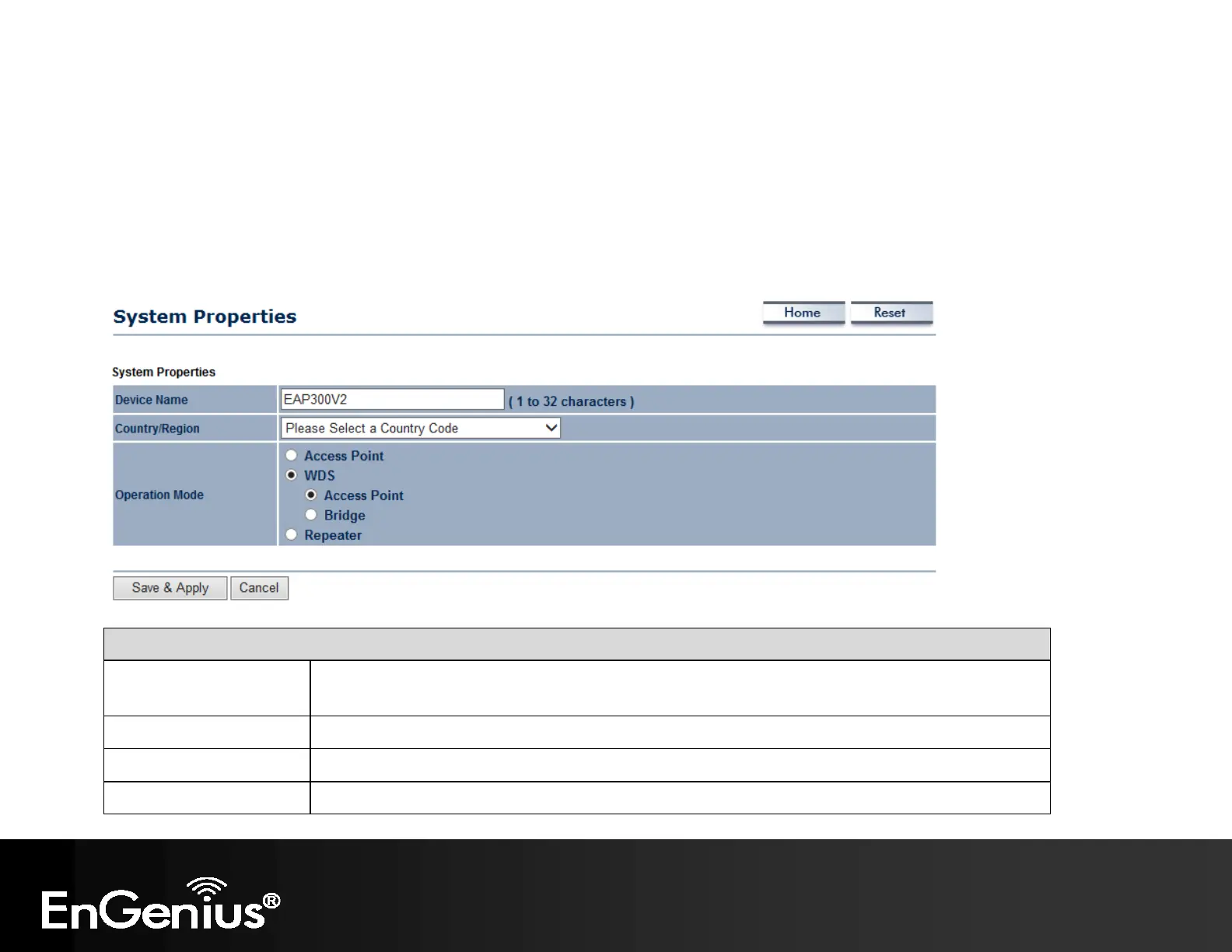
The EAP300 supports four operating modes: Access Point, WDS Access Point, WDS Bridge and Repeater.
System Properties
Device Name Enter a name for the device. The name you type appears in SNMP management. This name is
not the SSID and is not broadcast to other devices.
Country/Region Select a Country/Region to conform to local regulations.
Operation Mode Use the radio button to select an operating mode.
Accept / Cancel Click Save & Apply to confirm the changes or Cancel to cancel and return previous settings.



 To Next Page