38
Wireless Network (Access Point / WDS AP mode)
Wireless Mode Wireless mode supports 802.11b/g/n mixed mode.
Channel HT Mode The default channel bandwidth is 20/40MHz. The larger the channel, the better the transmission
quality and speed.
Extension Channel Select upper or lower channel. Your selection may affect the Auto channel function.
Channel / Frequency Select the channel and frequency appropriate for your country’s regulation.
Auto Check this option to enable auto-channel selection.
AP Detection AP Detection can select the best channel to use by scanning nearby areas for Access Points.
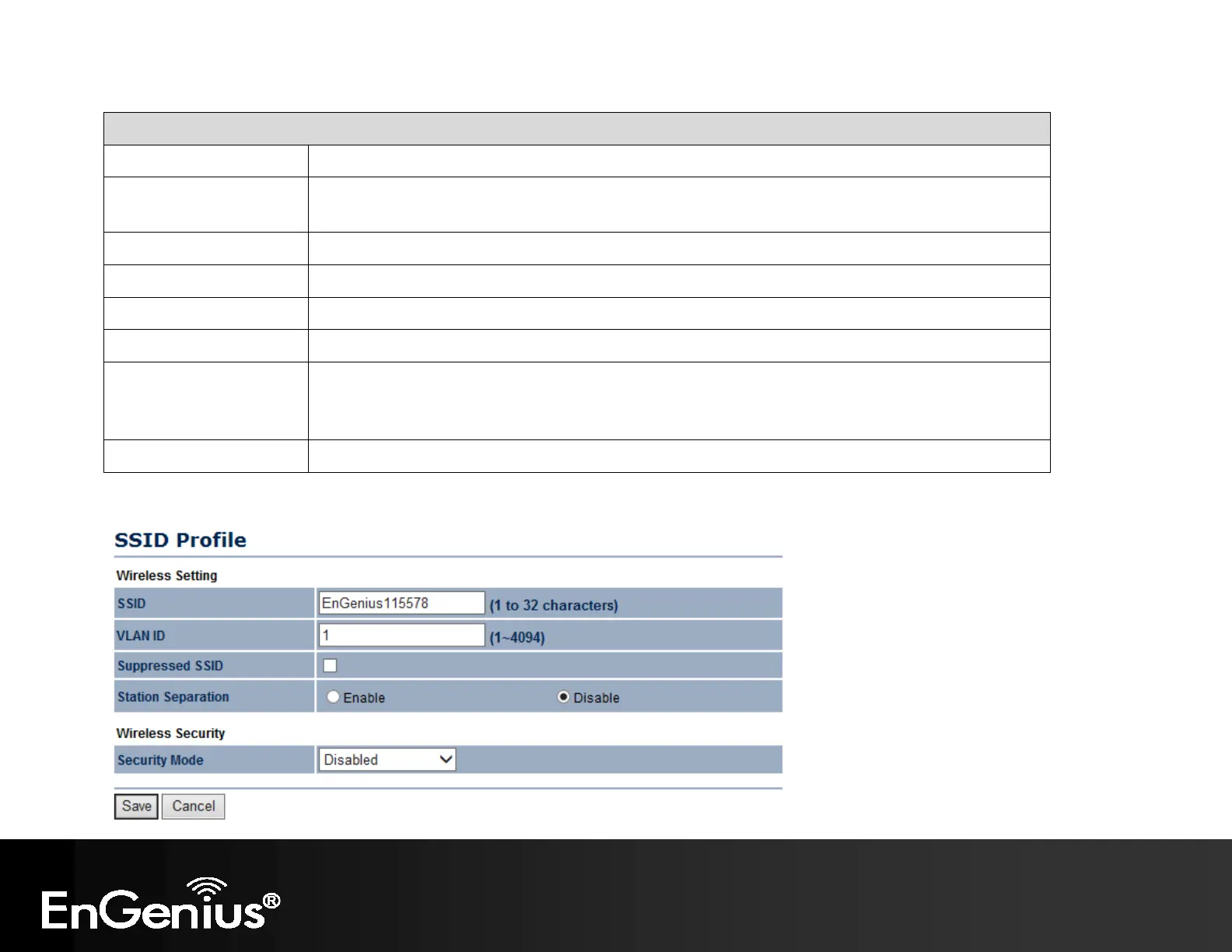
Current Profile Configure up to eight different SSIDs. If many client devices will be accessing the network, you
can arrange the devices into SSID groups. Click Edit to configure the profile and check whether
you want to enable extra SSID.
Accept / Cancel Click Accept to confirm the changes or Cancel to cancel and return previous settings.
SSID Profile



 To Next Page