42
Default Key Select the key you wish to be the default. Transmitted data is ALWAYS encrypted using the
Default Key; the other Keys are for decryption only.
You must enter a Key Value for the Default Key.
Encryption Key # Enter the key value or values you wish to use. Only the Key selected as Default is required. The
others are optional.
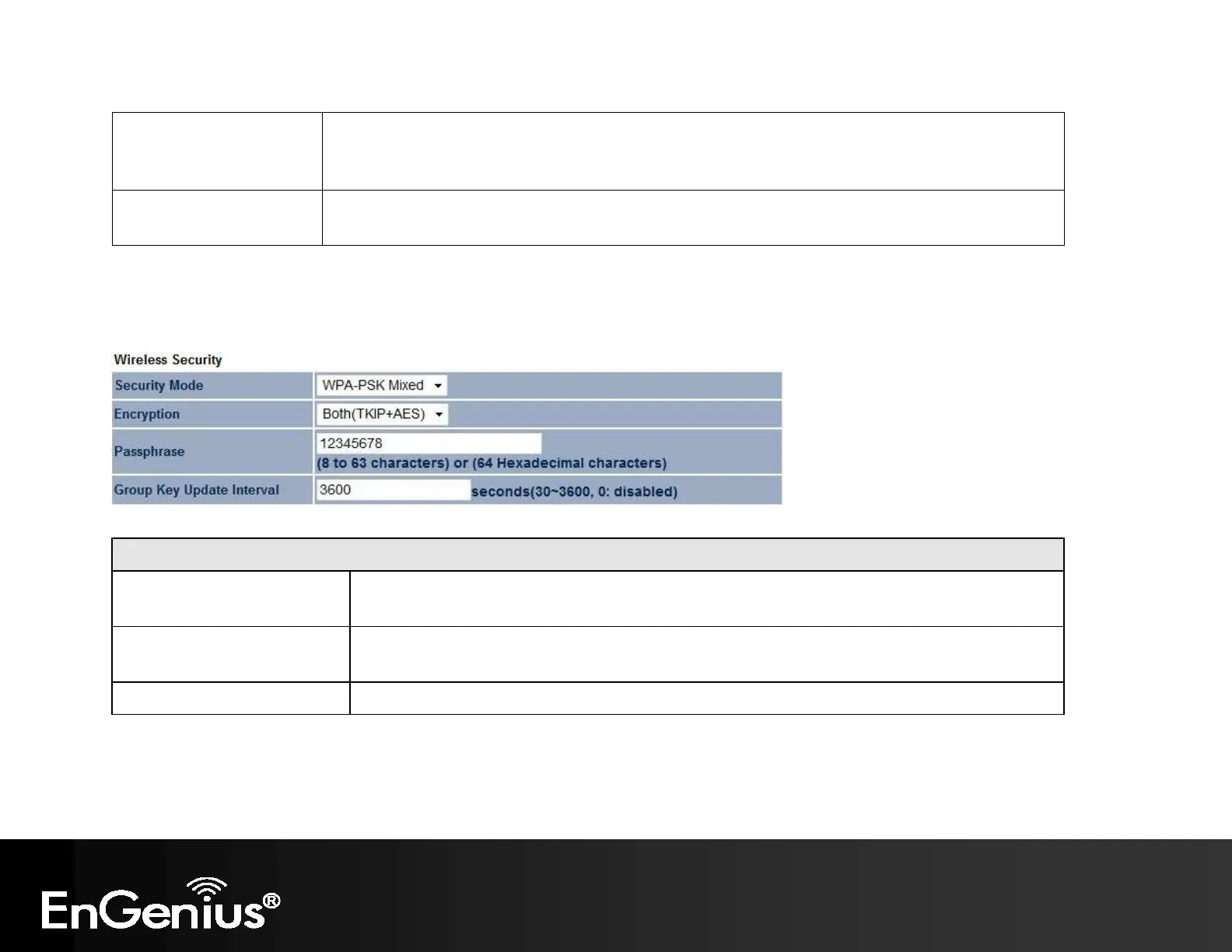
WPA-PSK (WPA Pre-Shared Key) Encryption:
WPA-PSK (WPA Pre-Shared Key) Encryption
Encryption
Select the WPA encryption you would like.
Please ensure that your wireless clients use the same settings.
Passphrase
Wireless clients must use the same key to associate the device.
If using passphrase format, the Key must be from 8 to 63 characters in length.
Group Key Update Interval Specify how often, in seconds, the group key changes.



 To Next Page