68
8.5 Auto Reboot
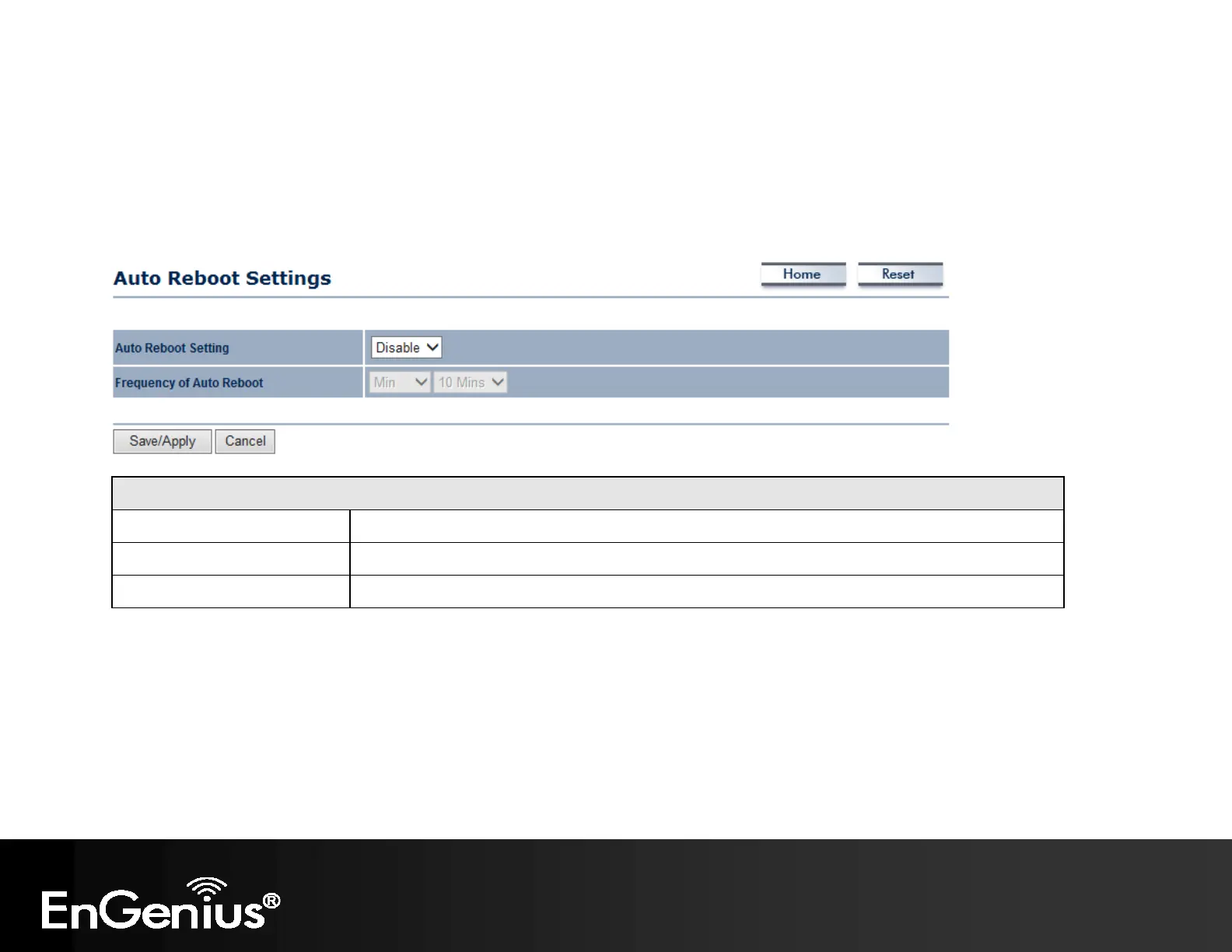
This page allows you to enable or disable the Auto Reboot function. This feature is particularly convenient to
administrators for the scheduling of auto rebooting on the device.
This page also allows you to set the frequency of this function.
Auto Reboot
Auto Reboot Setting Select Enable from the drop-down menu to setup this function.
Frequency of Auto Reboot Select the frequency interval using the drop-down menus.
Save/Apply / Cancel Click Save/Apply to apply the changes or Cancel to return previous settings.



 To Next Page