Chapter 4 Building a Wireless Network
23
4 Building a Wireless Network
The ECB1200 has the ability to operate in various modes. This chapter describes the operating modes of the ECB1200.
4.1 Access Point Mode
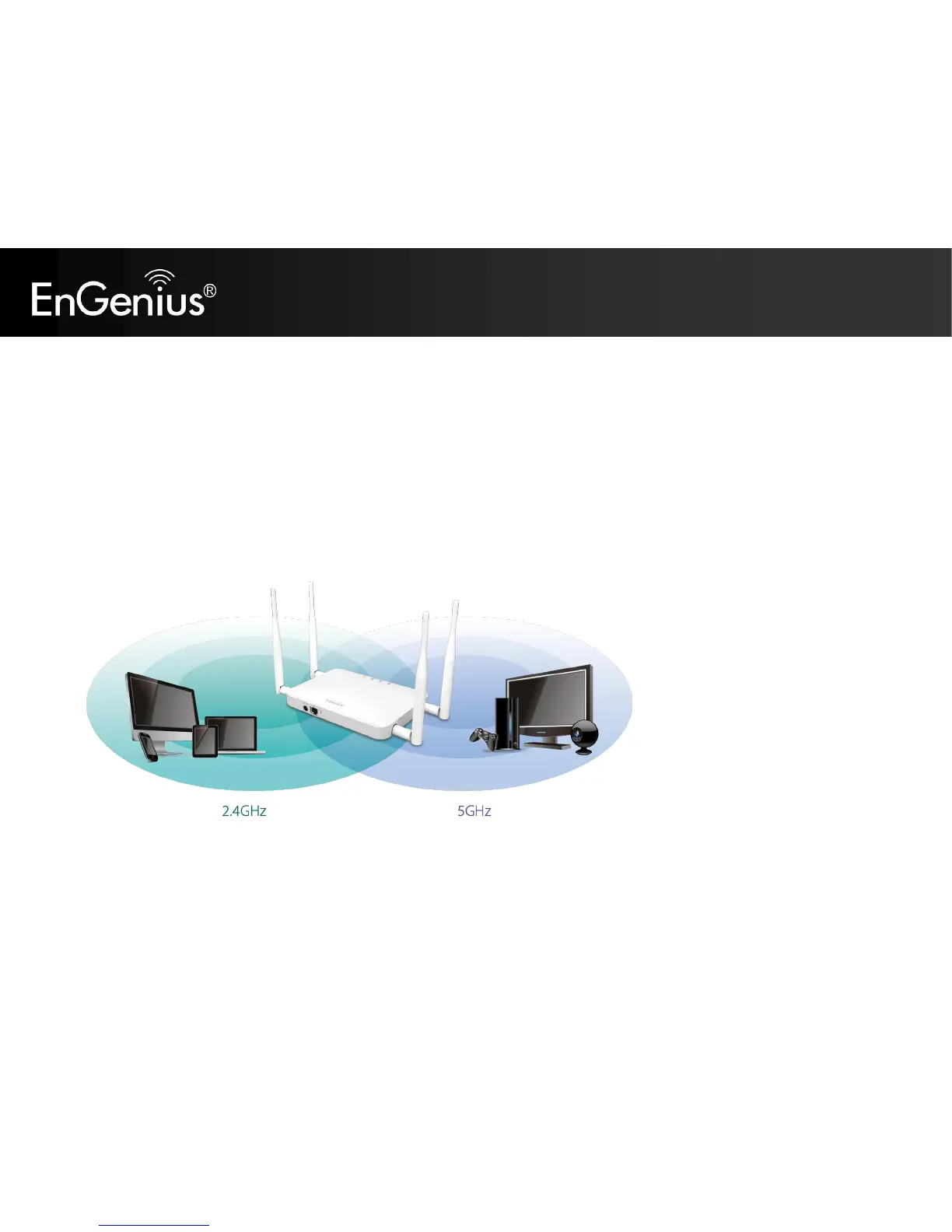
In Access Point Mode, ECB1200 behaves likes a central connection for stations or clients that support
IEEE 802.11ac/a/b/g/n networks. The stations and clients must be configured to use the same SSID (Service Set Identifier)
and security password to associate with the ECB1200. The ECB1200 supports up to eight SSIDs at the same time for secure
access.















 To Next Page