50
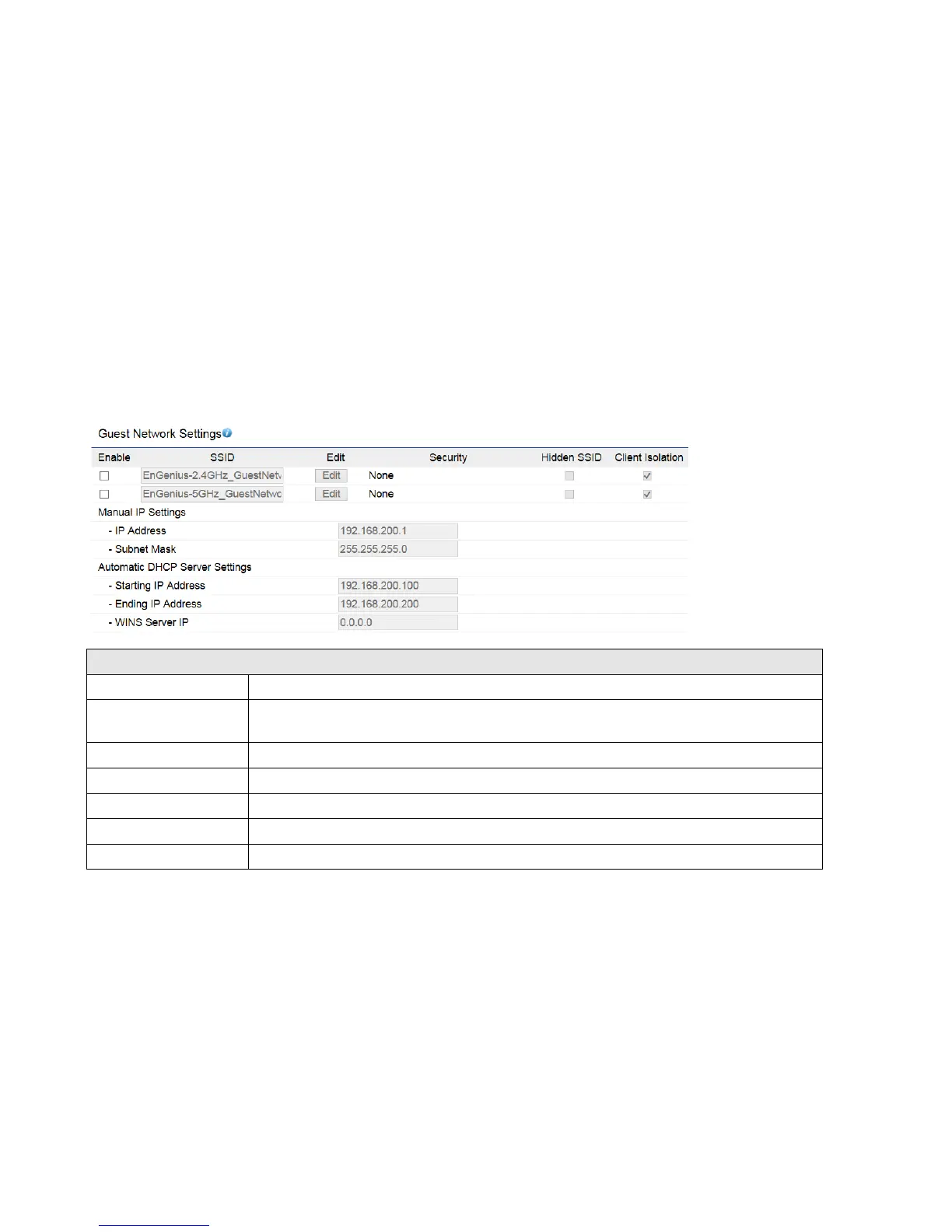
7.3 Guest Network Settings
Adding a guest network to allow visitors to use the internet without giving out your office or company wireless security.
You can add a guest network to each wireless network in the 2.4GHz frequencies and 5GHz frequencies.
Guest Network (Access Point / WDS AP)
Specified the SSID for the current profile.
Check this option to hide SSID from clients, If checked, this SSID will not appear in the AP
detect.
Click the appropriate radio button to allow or prevent communication between client devices.
The IP Address of this device.
The IP Subnet mask of this device.
The first IP Address in the range of the addresses by the DHCP server.
The last IP Address in the range of addresses assigned by the DHCP server.















 To Next Page