63
8.6 Firmware Upgrade
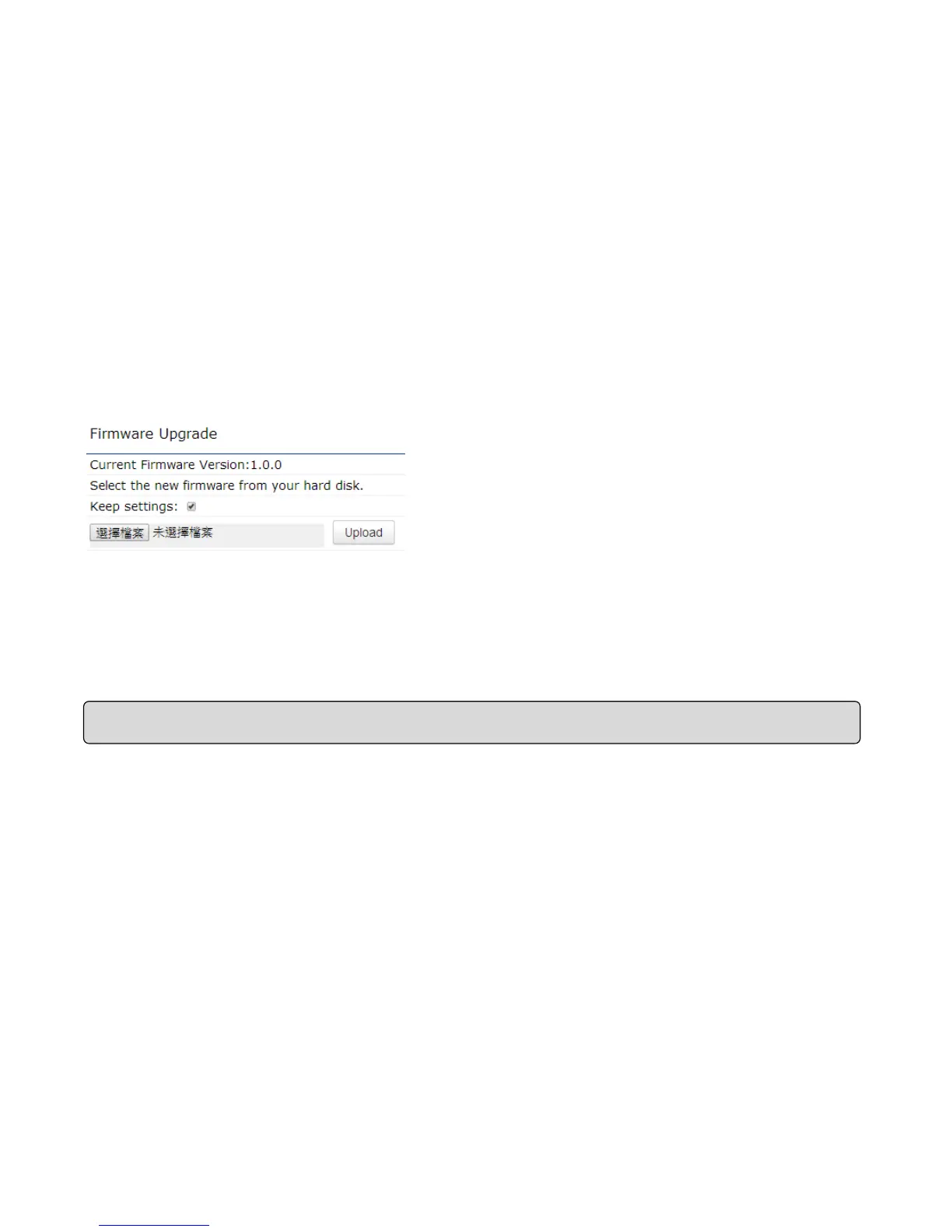
This page allows you to upgrade the firmware of the ECB1200.
To perform the Firmware Upgrade:
1. Click the Browse button and navigate the OS File System to the location of the upgrade file.
2. Select the upgrade file. The name of the file will appear in the Upgrade File field.
3. Click the Upload button to commence the firmware upgrade.
4. Disable Keep Settings when you need reset to default.















 To Next Page