59
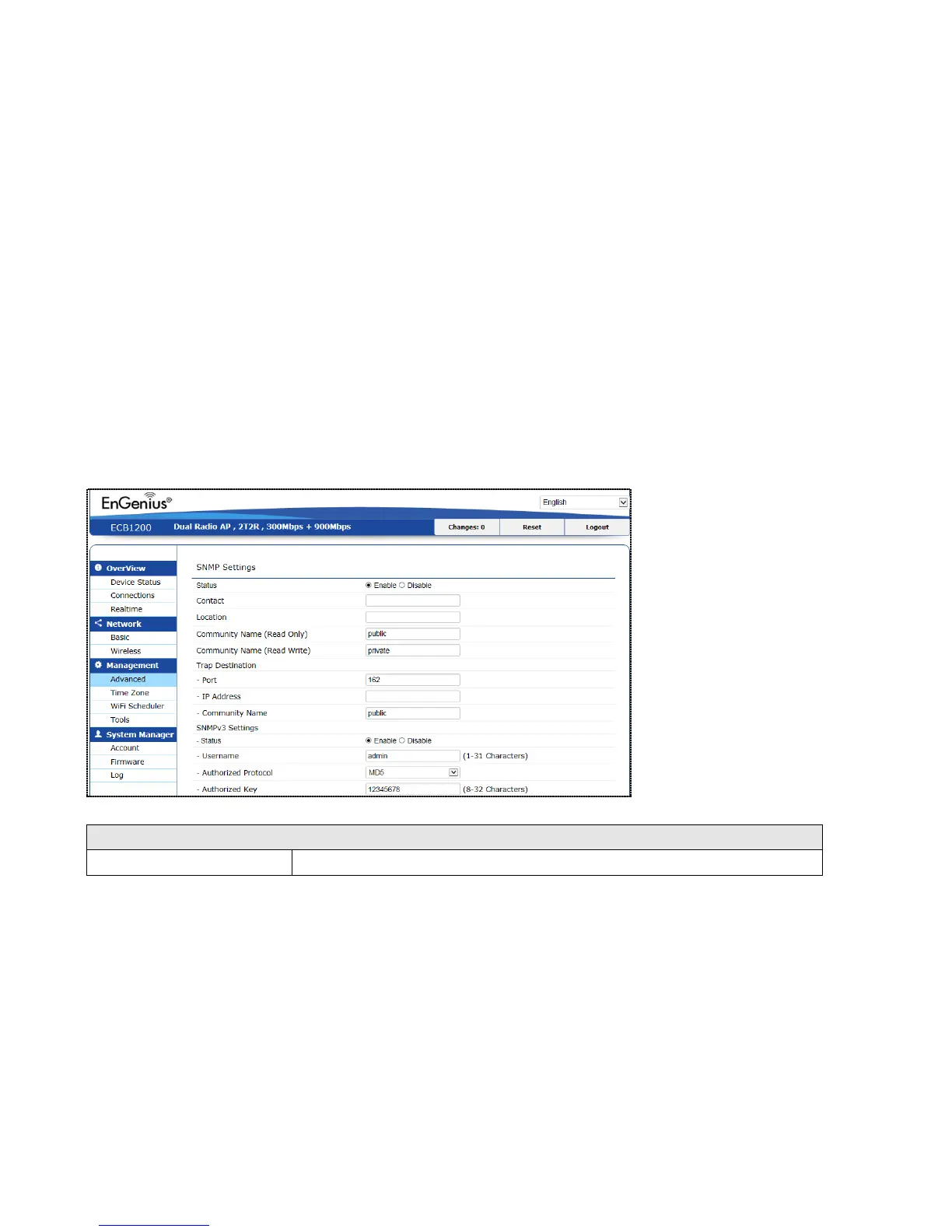
8.4 SNMP Settings
This page allows you to assign the Contact Details, Location, Community Name, and Trap Settings for Simple Network
Management Protocol (SNMP). This is a networking management protocol used to monitor network attached devices.
SNMP allows messages (called protocol data units) to be sent to various parts of the network. Upon receiving these
messages, SNMP compatible devices (called agents) return the data stored in their Management Information Bases. To
configure SNMP setting, click Advanced under sidebar Management section.















 To Next Page