28
5.2 Status
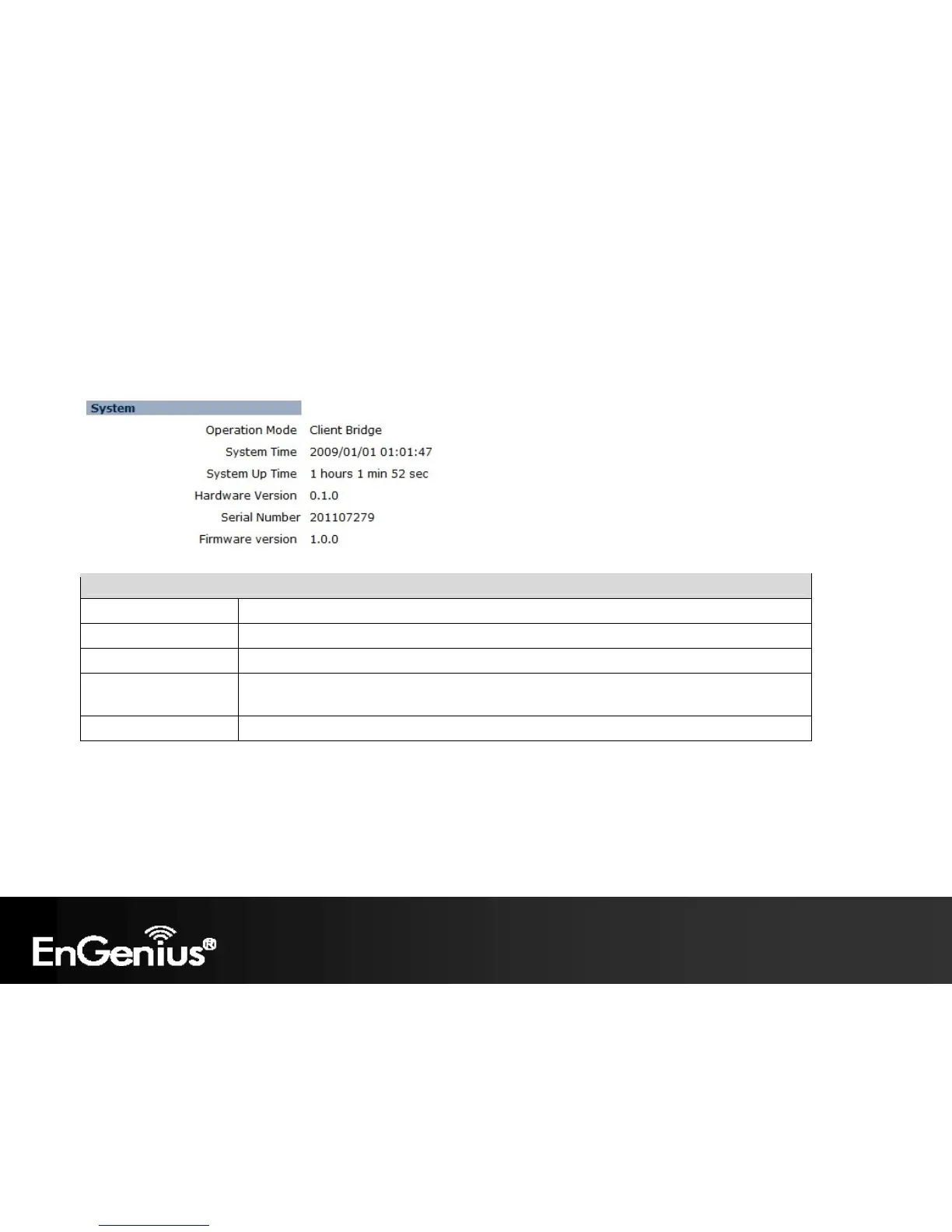
This page will display status of the device.
System
Operation Mode Displays the current mode of operation of the ECB150.
System Time Displays the current time of the ECB150.
System Up Time The elapsed time of operation of the ECB150.
Hardware Version and
Serial Number
Hardware information of the ECB150.
Firmware Version The current firmware version of the ECB150.














 To Next Page