95
10 Management
10.1 Admin
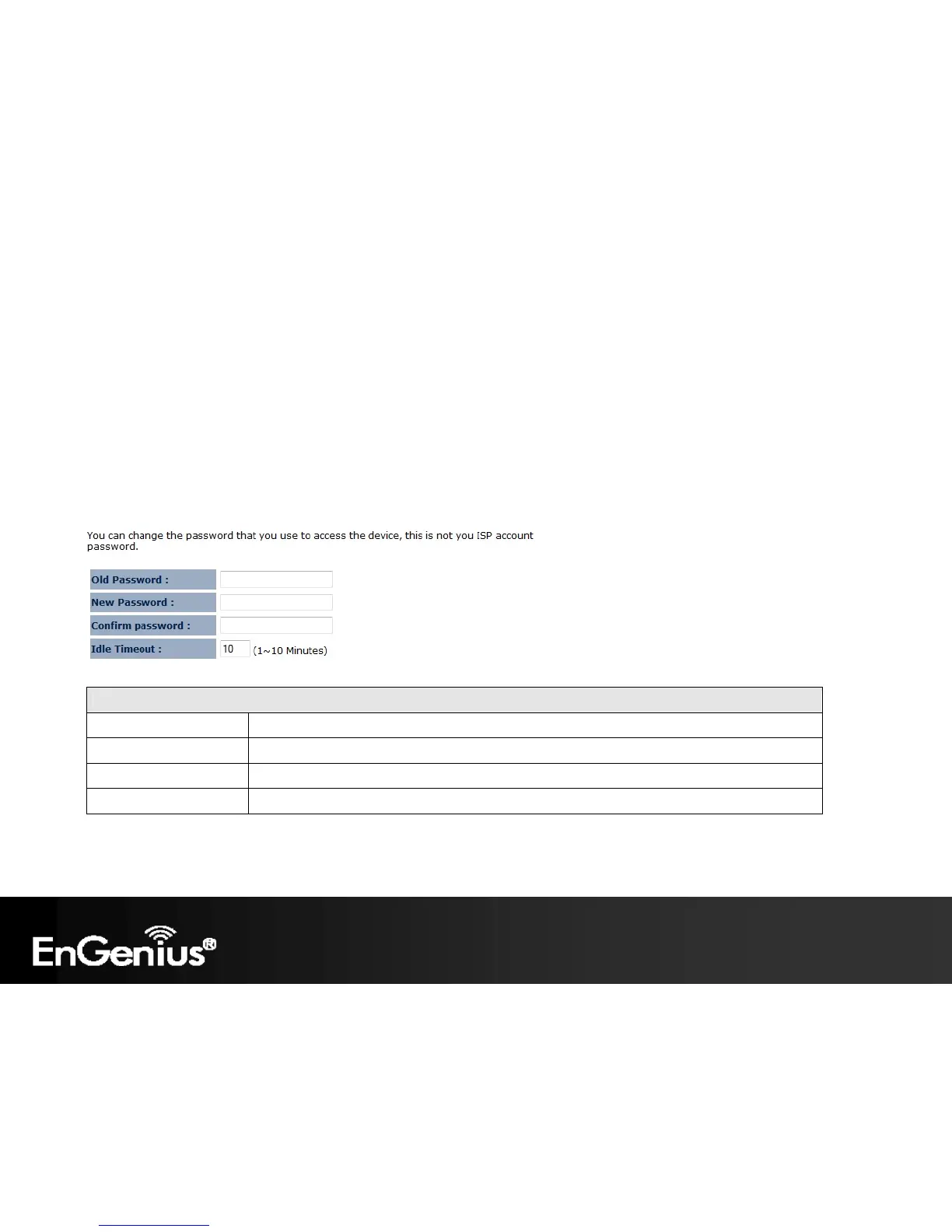
The Admin section of the Management menu allows you to change the ECB150 default password and to configure
remote management (Router mode). By default, the password is: admin. The password can contain 0 to 12 alphanumeric
characters and is case sensitive.
Change Password
Old Password Enter the current password.
New Password Enter your new password.
Confirm Password Re-enter your new password.
Idle Timeout Enter Administration Page timeout time (minutes).














 To Next Page