70
7.3 Spanning Tree
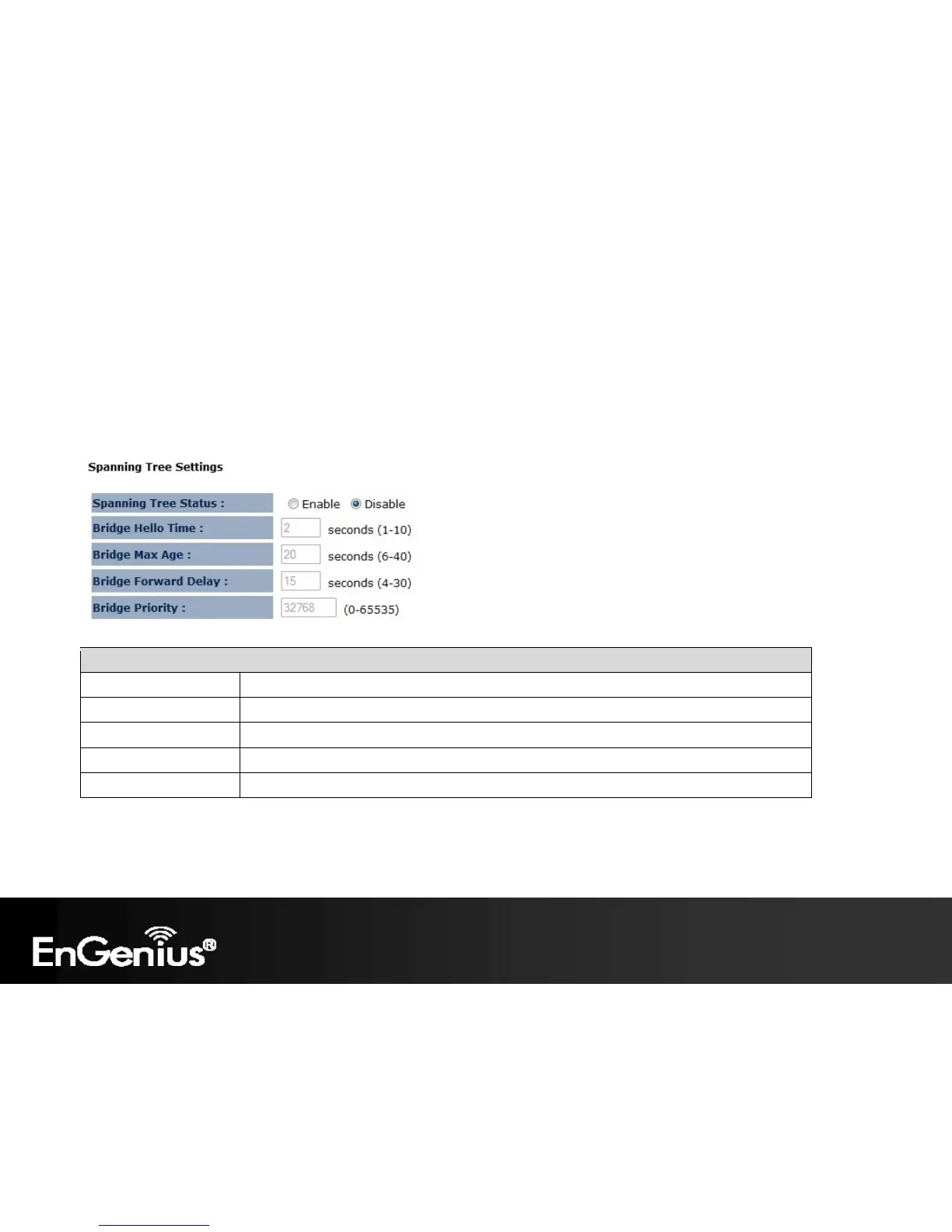
The Spanning Tree option of the Network menu allows you to set the ECB150 to use the Spanning Tree Protocol.
Enabling Spanning Tree Protocol will prevent network loops in your LAN network.
Note: Only in Access Point / Client Bridge / WDS AP / WDS Bridge and Repeater mode.
Spanning Tree Settings
Spanning Tree Status Enable or disable the Spanning Tree Protocol.
Bridge Hello Time The duration of the initial connection between two access points.
Bridge Max Age The maximum amount of time the bridge is connected when transmitting.
Bridge Forward Delay The delay between transmissions between access points.
Bridge Priority The priority port of the Spanning Tree Protocol.














 To Next Page