92
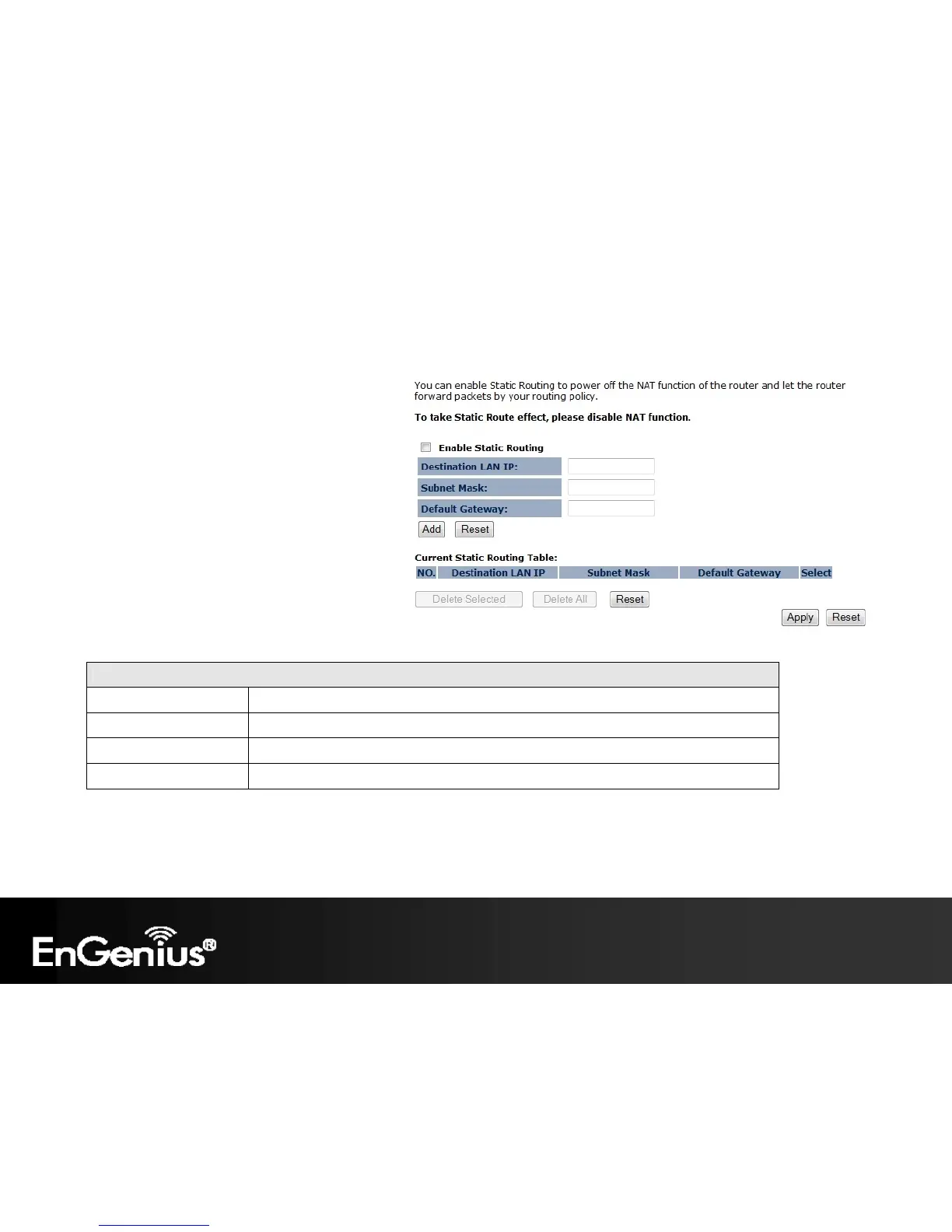
9.8 Static Routing
If your wireless router is connected to a network
with different subnets, this feature will allow the
different subnets to communicate with each
other.
Note: The NAT function needs to be disabled for the
Routing feature to be enabled.
Static Routing
Enable Static Routing Check this box to enable the Static Router feature.
Destination LAN IP Enter the IP address of the destination LAN.
Subnet Mask Enter the Subnet Mask of the destination LAN IP address
Default Gateway Enter the IP address of the Default Gateway for this destination IP and Subnet.














 To Next Page