60
6.7 WPS (Wi-Fi Protected Setup)
The WPS feature in the Wireless menu follows the Wi-Fi Alliance WPS standard. It eases the set up of security-enabled
Wi-Fi networks in homes and/or small office environments.
It reduces the user steps required to configure a network and supports two methods that are familiar to most consumers
to configure a network and enable security.
Note: Only in Access Point / WDS AP and Router mode.
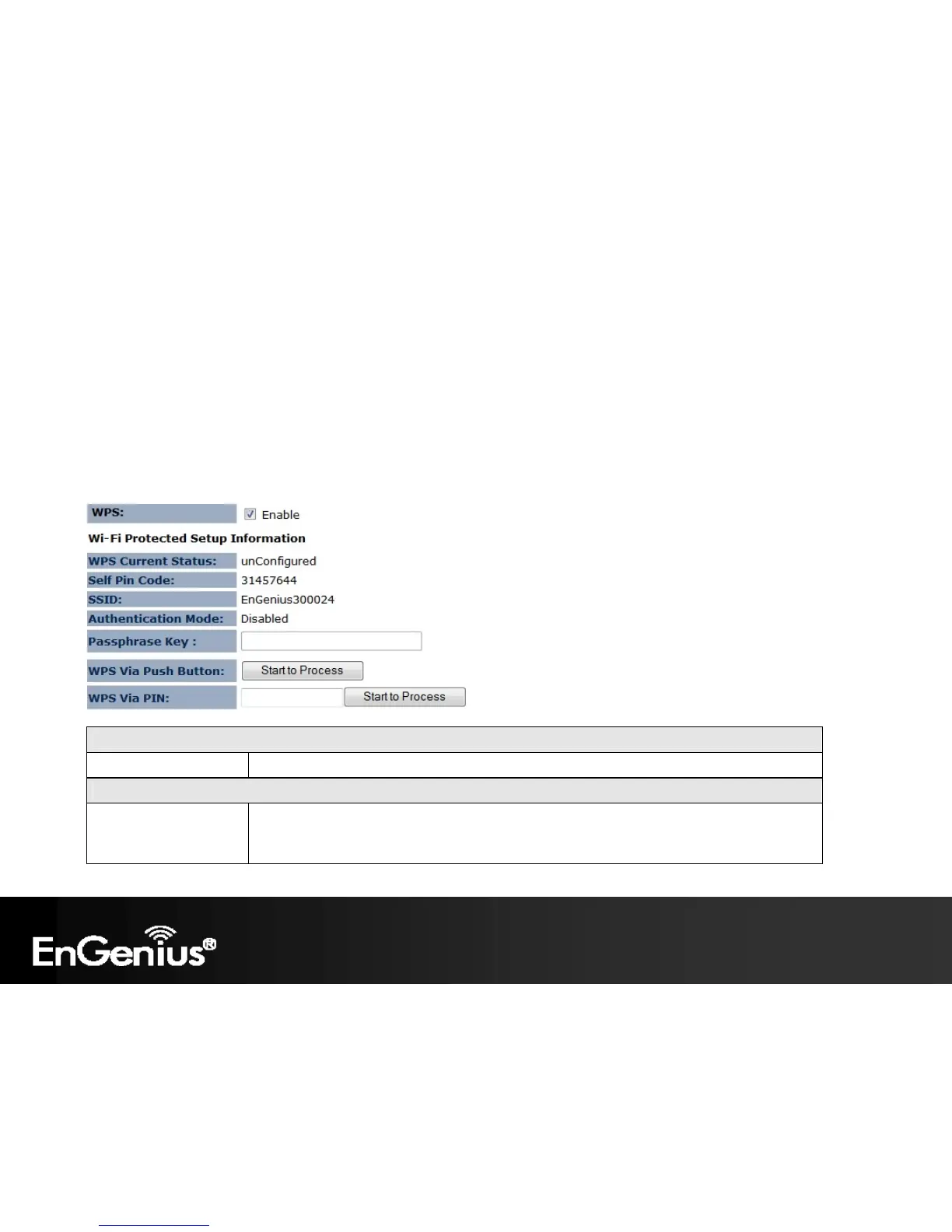
Wi-Fi Protected Setup (WPS)
WPS Check to Enable the WPS feature.
Wi-Fi Protected Setup Information
WPS Current Status Shows whether the WPS function is Configured or Un-configured.
Configured means that WPS has been used to authorize connection between the ECB150 and
the wireless clients.














 To Next Page