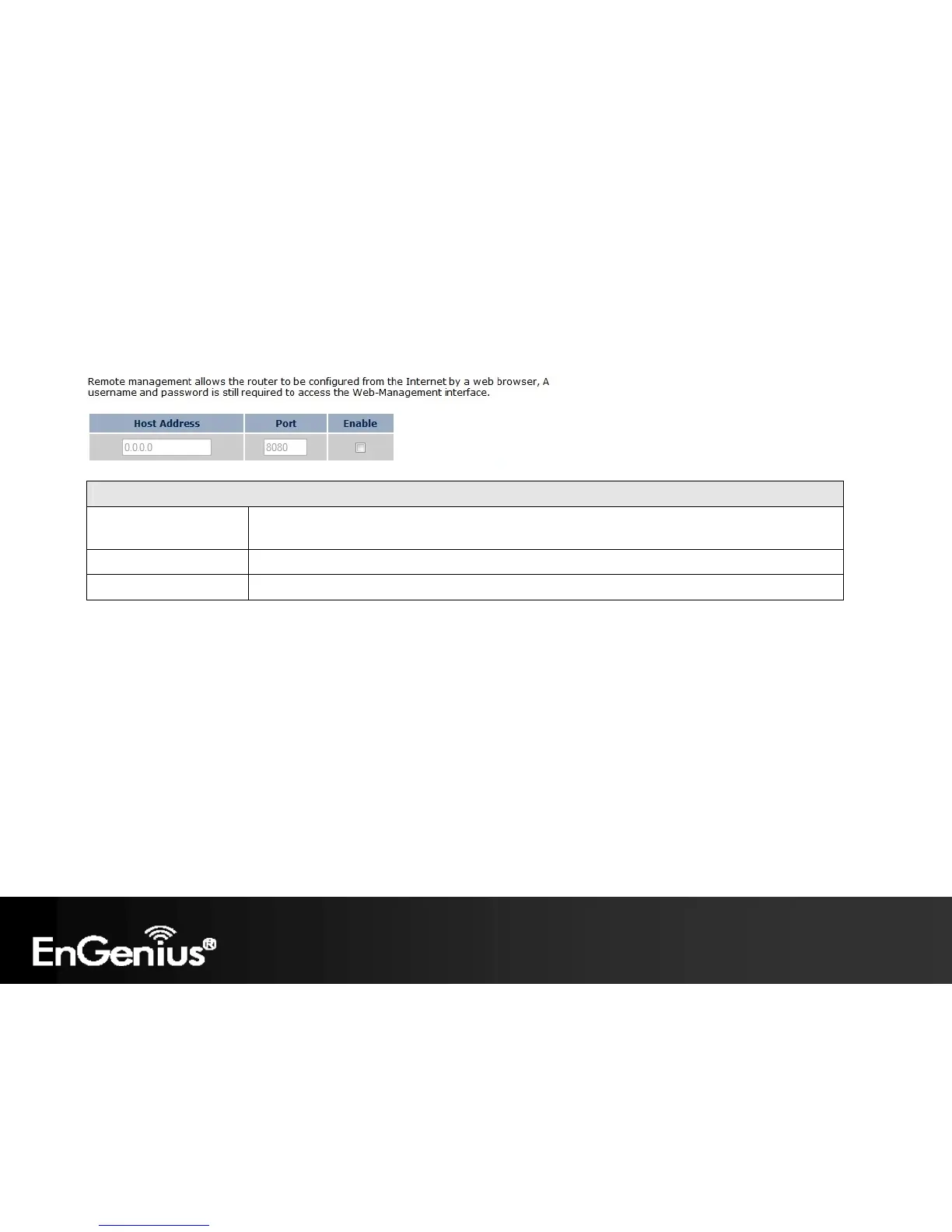
You can only perform remote management from the specified IP address. Leave blank to allow any
host to perform remote management.
96
There is additional setting Remote Management in Router mode.
Remote Management (Router mode)
Host Address
Port Enter the port number you want to accept remote management connections.
Tick to Enable the remote management feature. Enable














 To Next Page