35
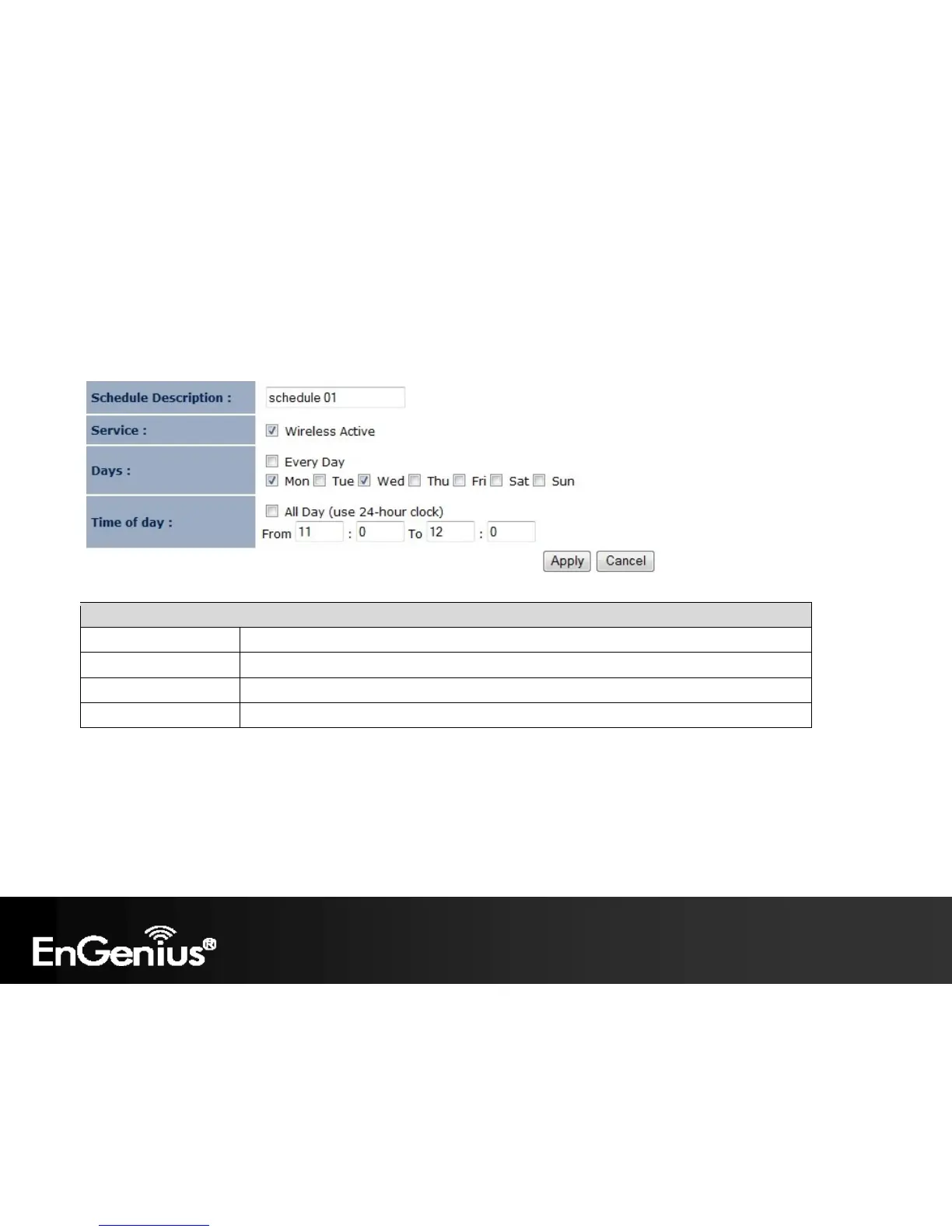
After selecting Add or Edit, the following form will show up. Fill in the form to set the schedule you want.
Schedule
Schedule Description Assign a name to the schedule.
Service The service provided for the schedule.
Days Set which days the schedule will be active.
Set what time of the selected days the schedule will be active. Time of day














 To Next Page