29
This section will show you how to congure the device
using the web-based conguration interface.
Default Settings
Please use your Ethernet port or wireless network adapter
to connect the Access Point.
IP Address
192.168.1.1
Username / Password
admin / admin
Web Conguration
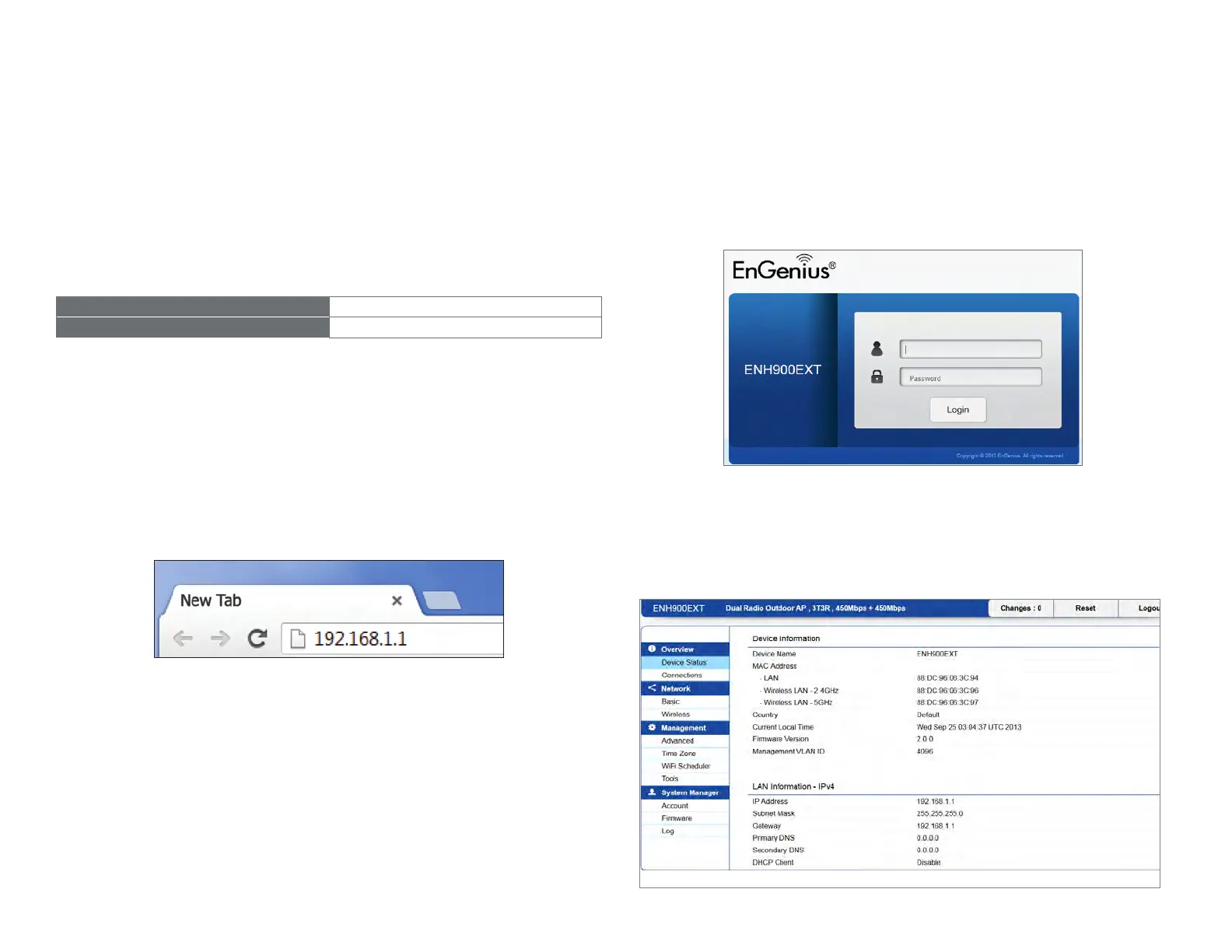
1. Open a web browser (Internet Explorer/Firefox/Safari/
Chrome) and enter the IP Address http://192.168.1.1
Note: If you have changed the default LAN IP Address of
the Access Point, ensure you enter the correct IP Address.
2.
The default username and password are admin.
Once you have entered the correct username and
password, click the Login button to open the web-base
conguration page.
*The model name will be varied by different models.
3. If successful, you will be logged in and see the User
Menu of this Access Point.
Conguring Your Access Point



 To Next Page