74
Logout
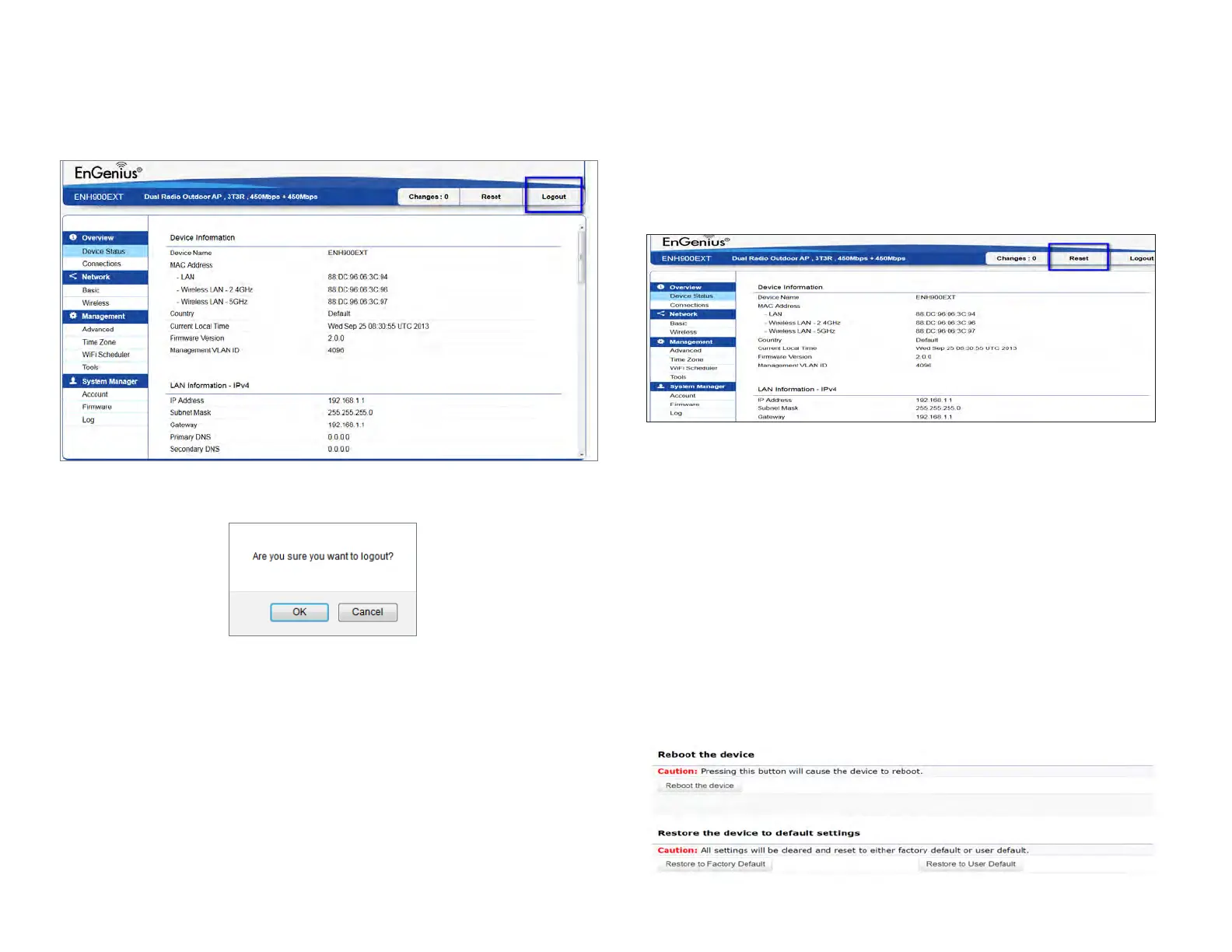
Logout: Click Logout in Management menu to logout.
Please conrm again to logout the system or not.
Reset
In some circumstances, it may be required to force the
device to reboot. Click on Reset to reboot the AP
Once you click reset button, you will see the options for
reboot or restore this AP.
Reboot the device: Click it to reboot this device.
Restore to Factory Default: Click it to reset this device to
factory default setting.
Restore to User Default: Click it to reset this device to user
default settings. For realizing the setting method, you may
refer page 74 and page 75.



 To Next Page