55
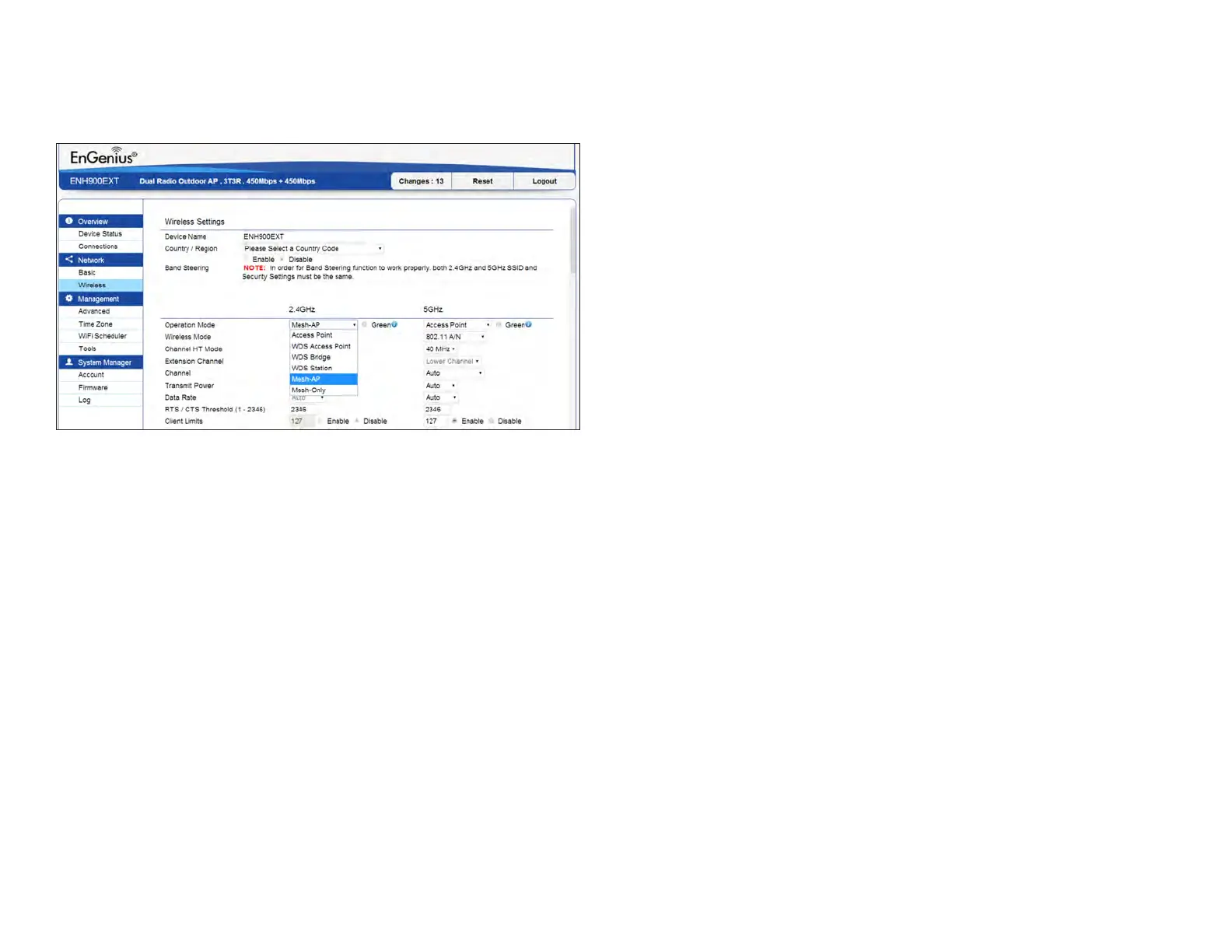
Mesh SSID: To create a mesh network, please enter the
Mesh SSID of the Access Point that you wish to include in
the Mesh.
Security: Select None or WPA2-PSK AES from drop-down
list.
Mesh Settings- ENH1750EXT
AES Passphrase: Enter the key values you wish to uses.
Other Access Points must use the same key to establish
a mesh link



 To Next Page