29
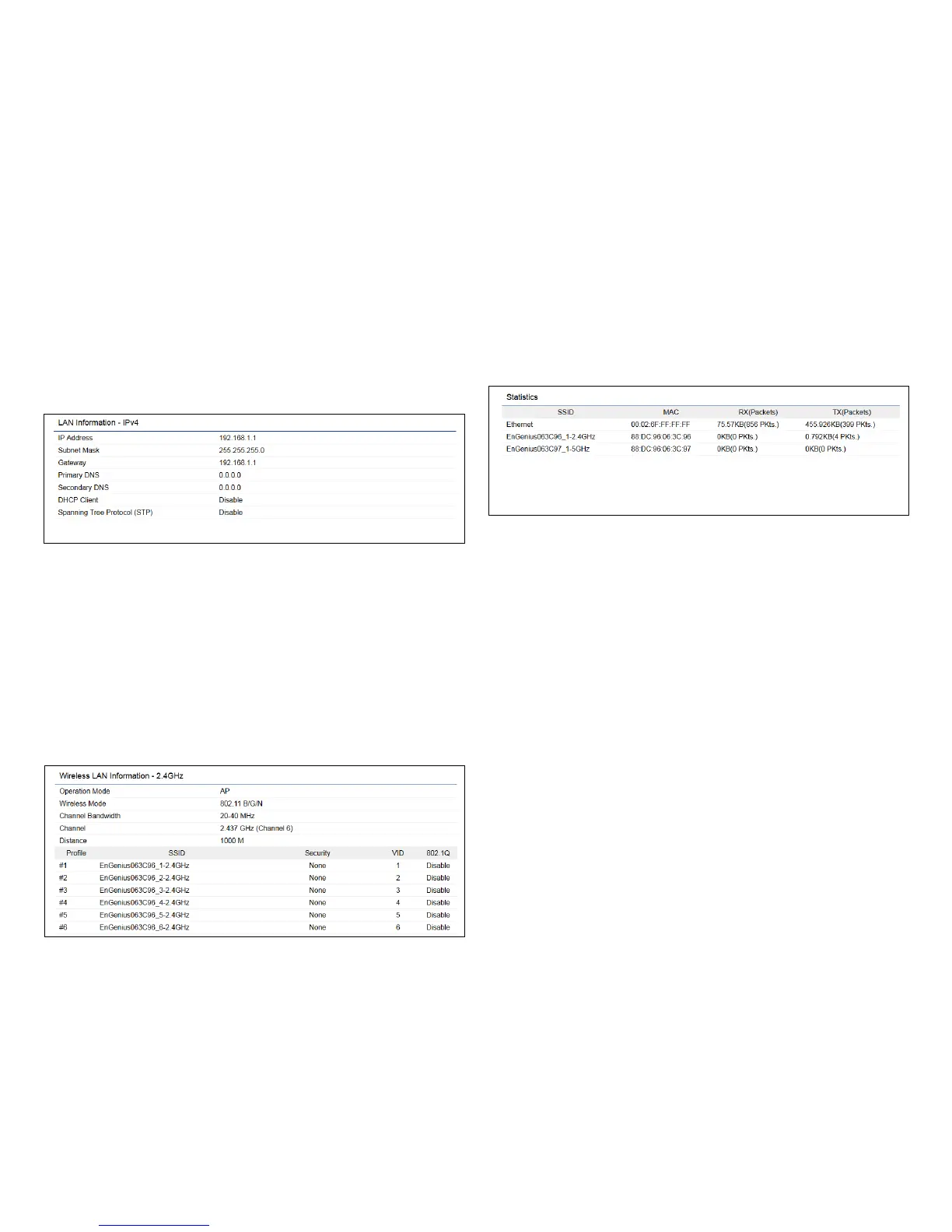
• The LAN Information section shows the Local Area
Network settings such as the LAN IP Address, Subnet
mask, and DNS Address.
• The Wireless LAN Information 2.4 GHz section shows
wireless information such as Operating Mode, Frequency,
and Channel. Since the ENH220EXT supports multiple-
SSIDs, information about each SSID, the ESSID, and
security settings, are displayed.
Note: ProleSettingsareonlyapplicableinAccessPoint
and WDS AP modes.
• The Statistics section shows Mac information such as
SSID, MAC address, RX and TX.



 To Next Page