45
Client Bridge Setting
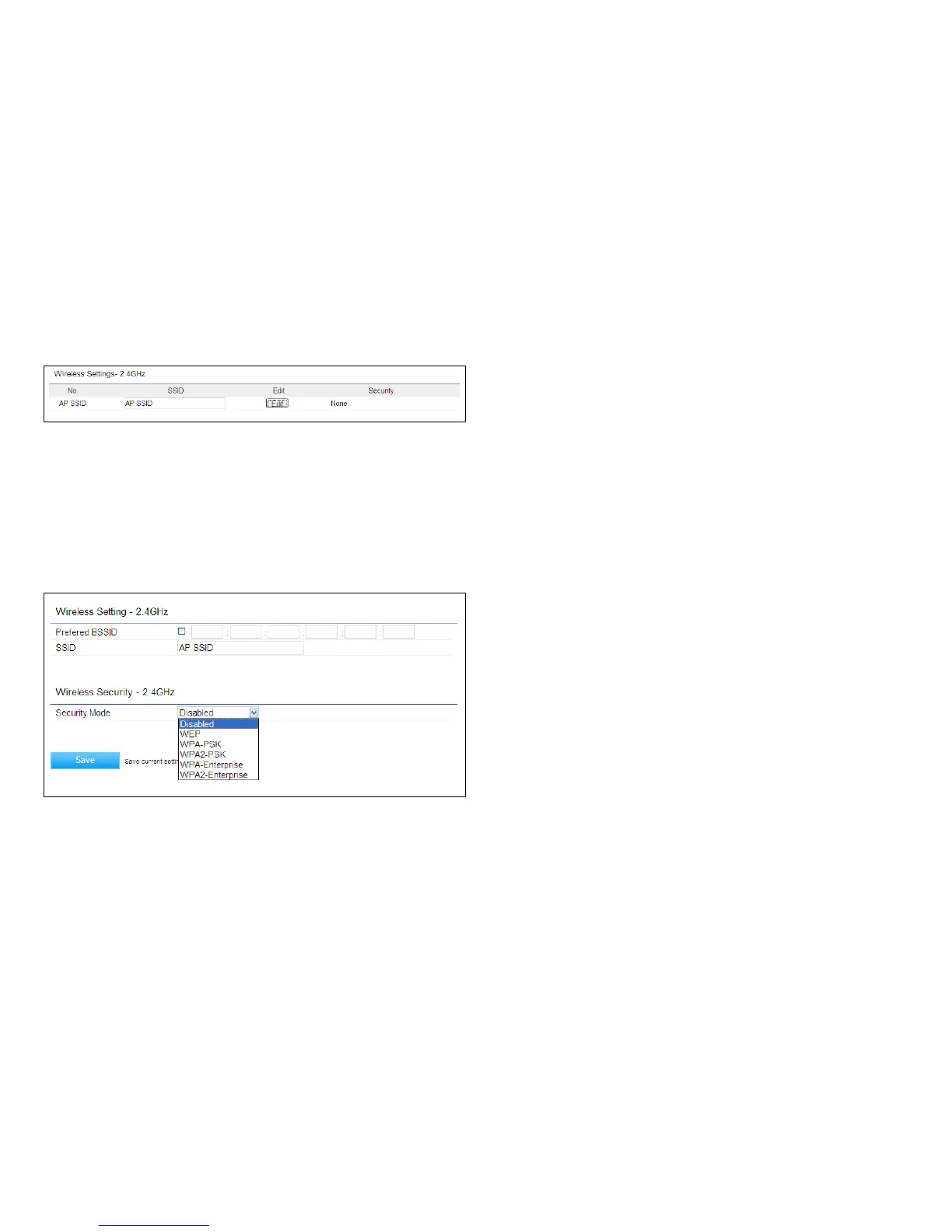
No.: Display the setting value.
SSID: You can implement the AP detection to select the
proper SSID.
Edit: Click Edittoconguretheadvancedsettingsforthe
SSID.
Prefer BSSID: You can insert the prefer BSSID or enter
thespecicSSIDtobeassociatedwiththeAccessPoint.
SSID: You can implement the AP detection to select the
proper SSID.
Security Mode: Select the correct security mode and
insert the correct encryption type. Please refer the
wireless security section in page 42.
Save: Click Save to accept the changes



 To Next Page